
Last updated November 17, 2026
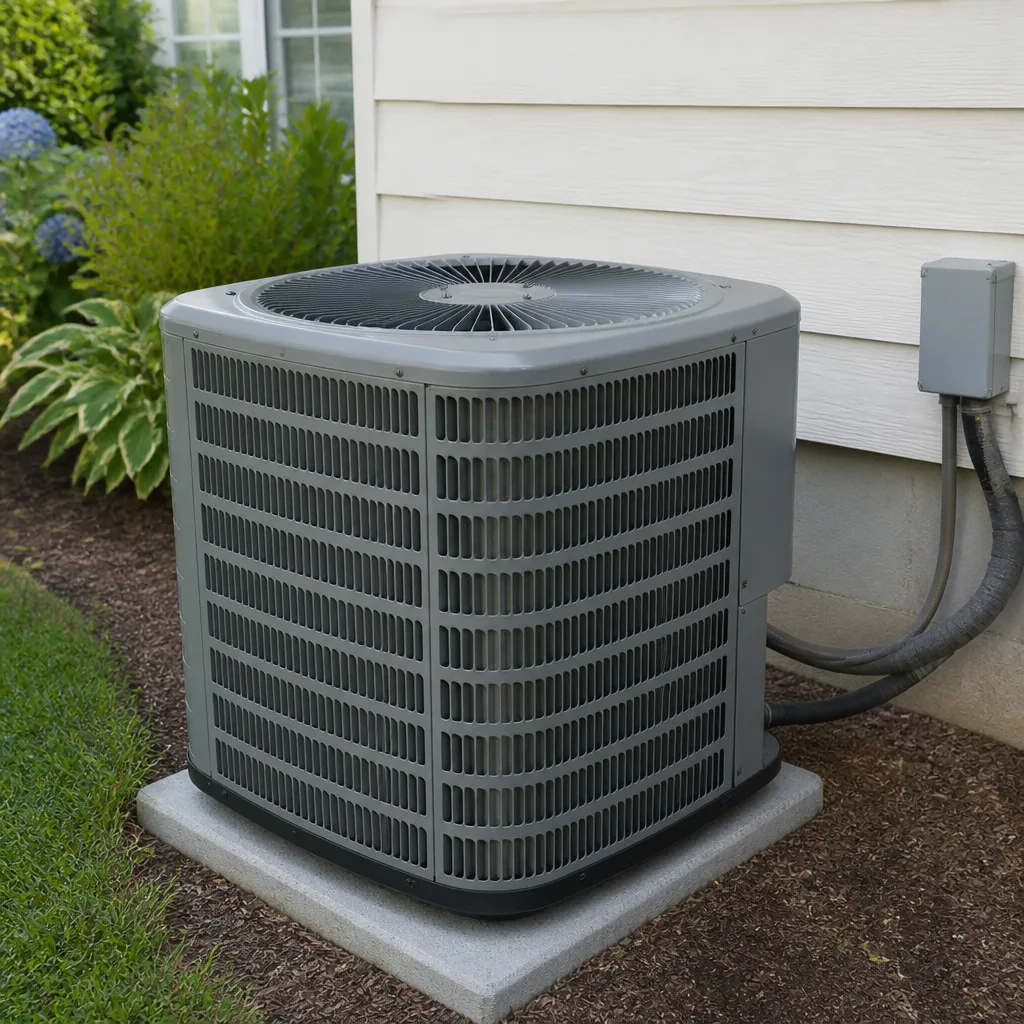 AC repair
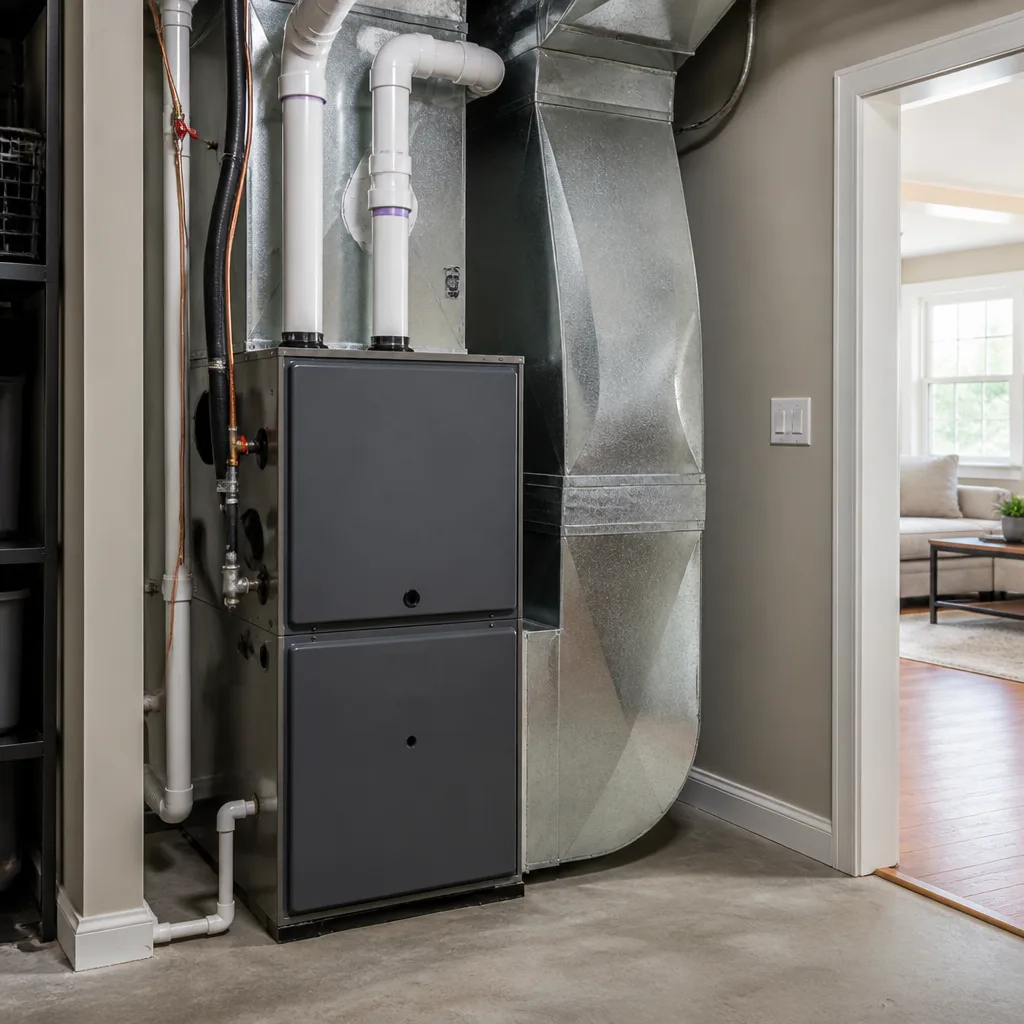 Furnace & heating
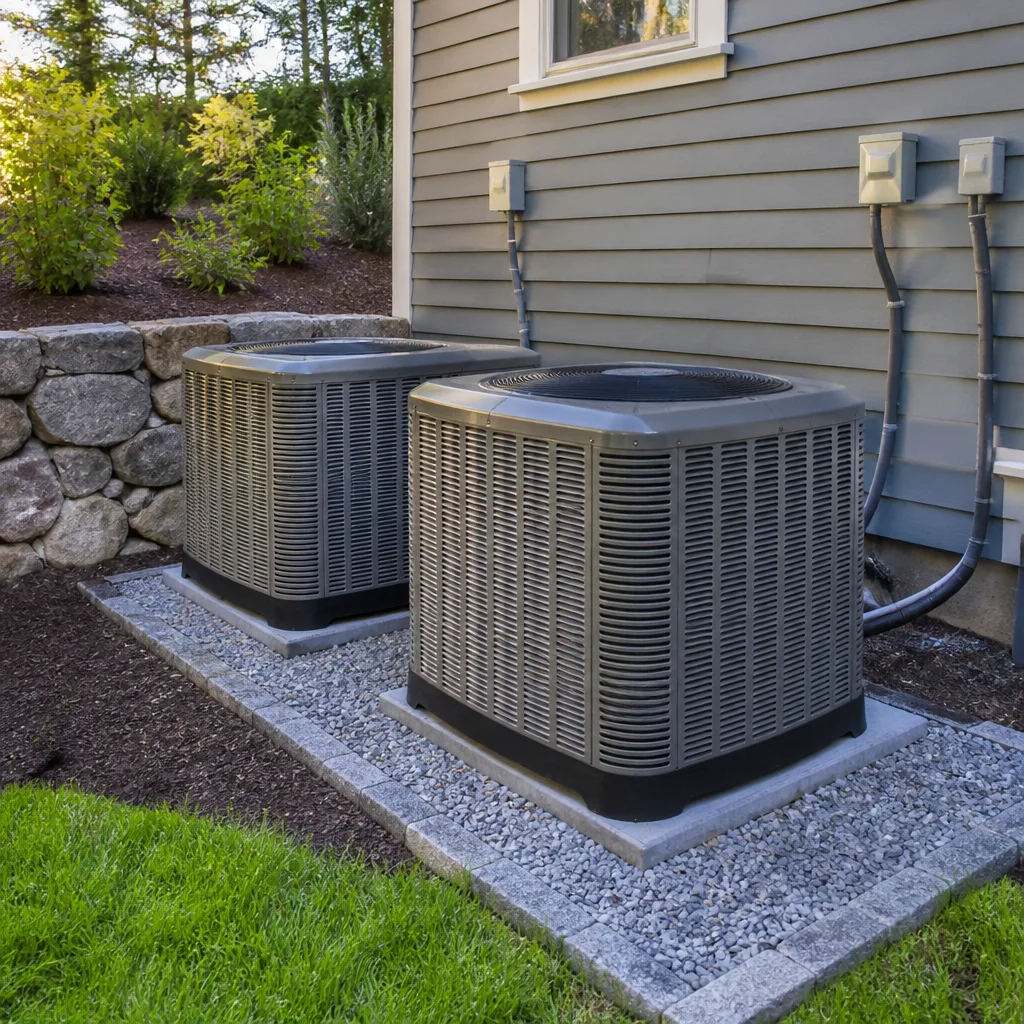 Heat pumps
 Ductless mini splits
 Carrier
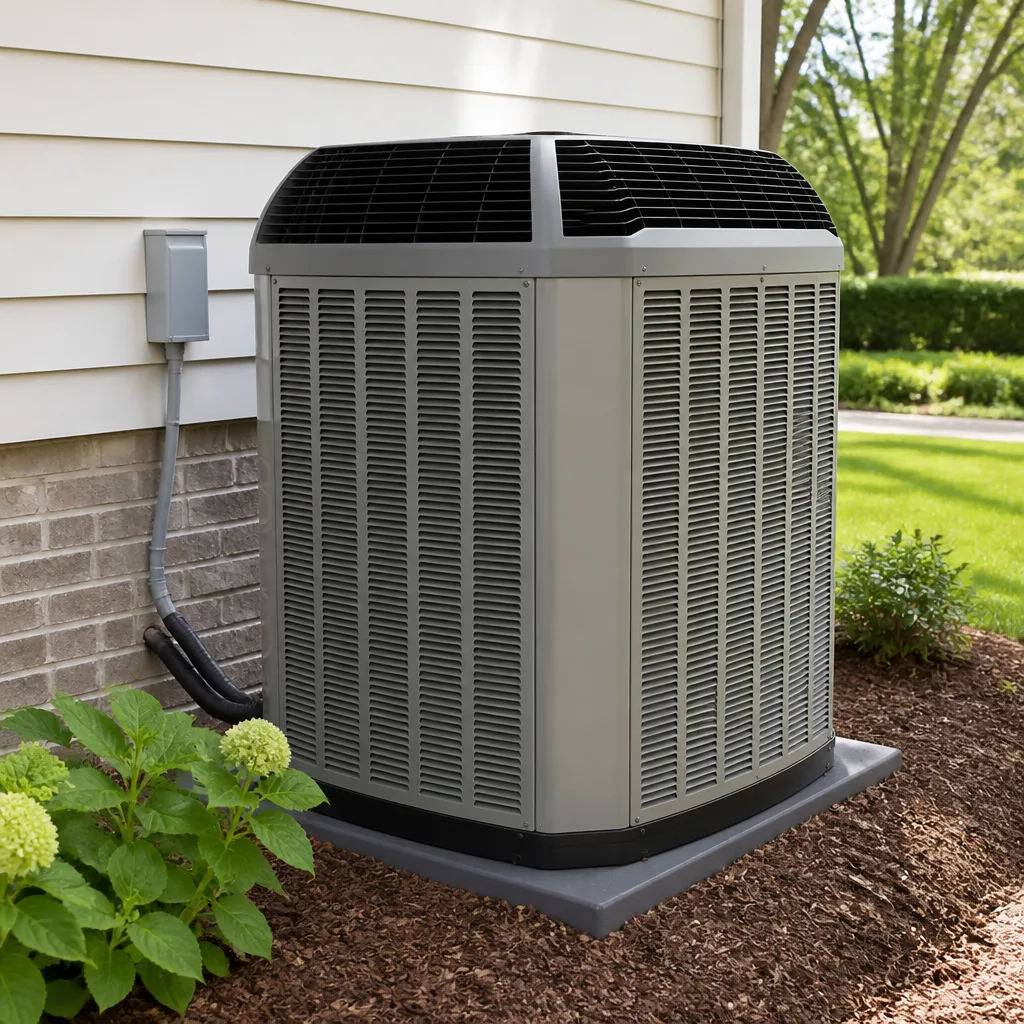 Trane
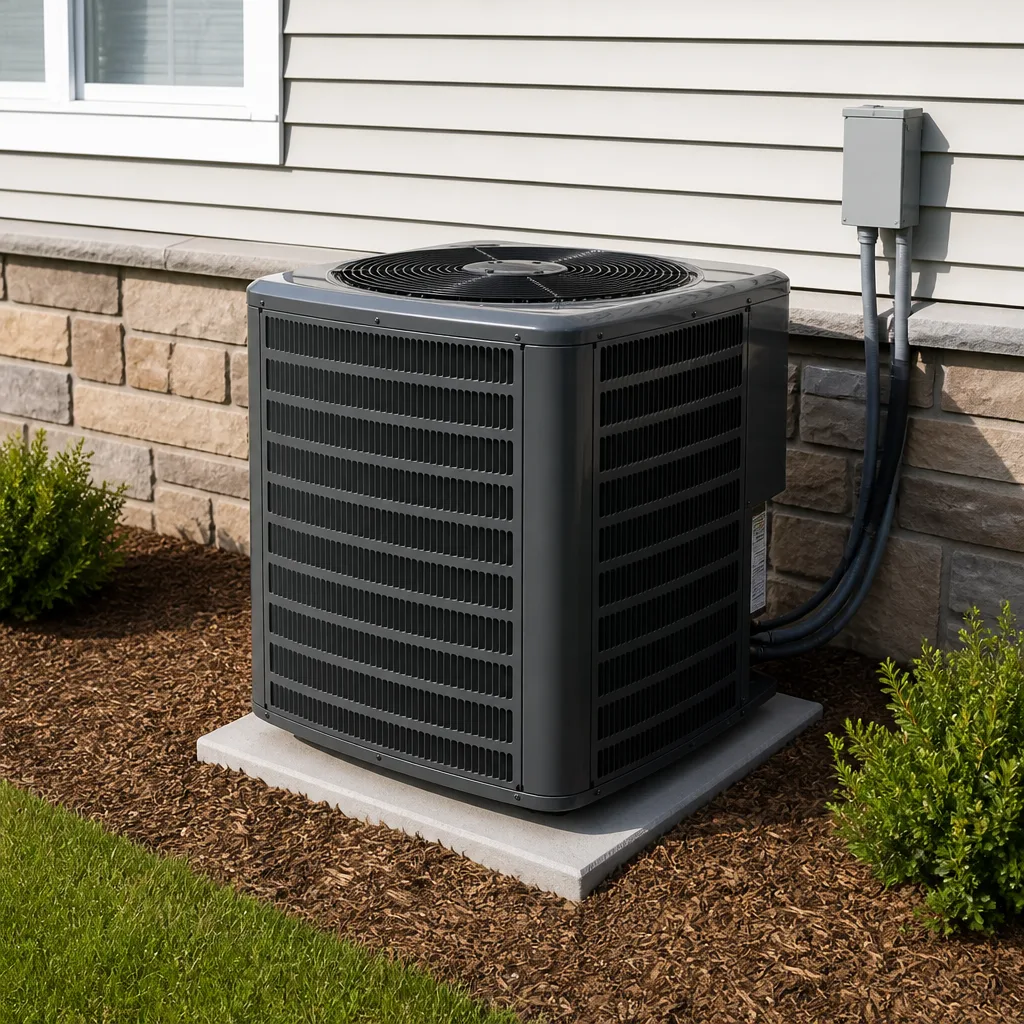 Goodman
Seasonal tune-up and full diagnostic on your Carrier, Trane, or Goodman system - readings shown to you before any repair is proposed
Diagnosis first, numbers second - you approve the repair price before a single part goes in.
Get your free estimateAC Maintenance Warning Signs Every Homeowner Should Know
If your AC smells musty for the first 10 minutes every time it kicks on, that isn’t normal and it isn’t harmless. That smell is biological growth sitting on your evaporator coil, and every cooling cycle pushes it into the air your family breathes. Here in Enterprise, we’ve walked into homes in late August where the homeowner swears the system “seems fine” while it groans, hisses, and hums a note it never used to make. Most AC failures announce themselves well before they quit, and the earliest warnings are almost all things you hear or smell. This guide teaches you to read those signals, separate “schedule maintenance soon” from “shut it off and call today,” and run a 60-second check once a month that catches trouble from inside your house. No tools, no ladder, no peering into the unit.
Styles & brands we work with
- AC repair
- Furnace & heating
- Heat pumps
- Ductless mini splits
- Carrier
- Trane
- Goodman
Quick Answer
The warning signs that your AC needs immediate maintenance are mostly detectable by sound and smell: a musty odor at startup, a hissing or bubbling line, a clicking that won’t settle, or a metallic grinding that starts and stops. Smells and sounds mean “act now,” while most sight and feel issues (weak airflow, lukewarm vents, dirty filters) mean “schedule service soon.” Any sign that smells like burning, or any grinding from the outdoor unit, means shut the system off and call a technician today.
Table of Contents
- What Your Nose Tells You: Smell-Based Warning Signs
- What Your Ears Tell You: Sound-Based Warning Signs
- What Your Eyes Tell You: Sight-Based Warning Signs
- What Your Skin Tells You: Feel and Air-Quality Signs
- Signs Unique to an Enterprise Summer
- Schedule Soon or Shut It Off: A Clear Decision Guide
- Your 60-Second Monthly Check (No Tools)
- Common Mistakes to Avoid
- When to Call a Professional
- Frequently Asked Questions
What Your Nose Tells You: Smell-Based Warning Signs
Smell is the sense homeowners trust least and should trust most. Your nose picks up parts-per-million changes long before a thermostat or a service tech on a routine visit would notice anything wrong. Each smell below points to a different root cause, and some are more urgent than others.
- Musty, wet-basement smell at startup: biological growth (mold and mildew) on the evaporator coil or in the drain pan. Every time the blower runs, it pushes spores into your living space. This one is a health concern in an occupied home, especially for kids, older adults, or anyone with asthma.
- Rotten-egg smell: usually tied to a failing component or a burned-out motor winding, and in rare cases a refrigerant issue. Stop running the system and call.
- Chemical or sweet, acrid odor: refrigerant leaking from a line or coil. Refrigerant isn’t something you want to breathe in a closed room. Turn the system off and call a professional; do not try to top it off yourself.
- Burning, hot-plastic, or electrical smell: an overheating motor, a failing capacitor, or wiring trouble. Shut the unit off at the thermostat and call immediately. This one is a fire risk.
- Dusty smell that never goes away: a filter that’s long overdue, or dust pulled in through a return duct that’s come loose. Worth a look, rarely an emergency.
Musty growth on the coil is the one we see most often, and it’s the one homeowners dismiss. It builds slowly through a cooling season, so by the time you notice it, the coil has been colonized for weeks. Professional cleaning of the coil and drain pan stops the smell at the source. Air fresheners and duct sprays just cover a problem the air handler keeps pushing back into the room.
What Your Ears Tell You: Sound-Based Warning Signs
Every AC makes noise. The skill is knowing which noise is the machine doing its job and which is the machine telling you something is breaking. Listen for changes, not volume. A unit that suddenly gets louder, or starts making a sound it never made before, is the signal.
- Hissing along the refrigerant line: refrigerant escaping through a small leak. Hissing means the system is losing charge. Running it this way strains the compressor, which is the most expensive part to replace.
- Bubbling or gurgling near the indoor unit: often a clogged condensate drain line backing up. Left alone, the drain can overflow and damage the ceiling or drywall around it.
- Clicking that repeats and won’t settle: the contactor or capacitor is struggling to start the compressor. A single click at startup is normal. Clicking every few seconds means it’s trying and failing.
- Grinding or metal-on-metal from the outdoor unit: a failing fan motor bearing or a loose part hitting the fan. Shut it off. Grinding tends to get expensive fast.
- A hum with no fan movement: the motor has power but the fan isn’t turning. Could be a failed capacitor or a seized motor. With a failing capacitor, the motor draws current and gets hot without moving air.
- Rattling or buzzing that appeared after a windstorm: a loose panel or debris inside the unit, which is common after a spring dust storm blows through Enterprise. Worth a look, quick to check.
If you hear a sound you can’t identify, record it on your phone and play it back for us. We’ve diagnosed plenty of systems from a 10-second voice memo because it told us whether the noise was coming from the indoor or outdoor unit.
What Your Eyes Tell You: Sight-Based Warning Signs
Sight catches the slower problems, the ones that have been developing for weeks. None of these usually require you to shut the system off, but none of them should wait for “the next scheduled maintenance.”
- Frost or ice on the indoor coil or refrigerant line: a refrigerant leak or restricted airflow. Running an iced system can damage the compressor. Turn it off and let it thaw, then call.
- Water pooling around the indoor unit or dripping from the ceiling: a clogged condensate line or a rusted drain pan. Water damage to a ceiling costs far more than the drain fix.
- Dirty or clogged filter: the single easiest sign to catch. A clogged filter restricts airflow and can ice the coil. Replace it every 1 to 3 months, more often if you have pets or live near open desert.
- Dust blowing out of a vent right after you turn the fan on: dust buildup inside the duct or a disconnected duct leaking into the attic. Worth a look, sometimes worth a duct cleaning.
- Outdoor unit that runs but the fan spins slowly or not at all: a failing capacitor or motor. Common in systems that have been running hard all summer.
- Visible rust or corrosion on the cabinet or coil: age and moisture are winning. Not always an emergency, but worth a professional inspection to time your replacement before it fails on the hottest day.
If you’re seeing icing, running the system is the worst thing you can do. The compressor works harder on a frozen coil and can burn out. Shut it off at the thermostat, leave the fan on to thaw, and call.
What Your Skin Tells You: Feel and Air-Quality Signs
Your body notices a struggling AC before a thermometer will. This is the category homeowners most often write off as “just how it feels today.”
- Air from the vents feels warm or room-temperature after 10 minutes: the system isn’t cooling. Could be refrigerant, could be a failed capacitor, could be a clogged filter. Common enough to have a technician look.
- Airflow is weak from every vent, not just one: a blower or filter problem, or a duct problem. If it’s weak from one vent only, that vent may be restricted or the duct feeding it is leaking.
- You feel sticky all the time: the system runs but isn’t removing humidity. A properly running AC should pull a noticeable amount of moisture out of the air. If your home stays humid even when the unit runs, the coil, refrigerant charge, or blower needs attention.
- Allergies, asthma, or sinus irritation that get worse indoors: could be biological growth on the coil being pushed into the air, or a filter that’s overdue. If the smell of must is also present, treat this as urgent.
- Rooms that won’t cool no matter what: a refrigerant issue or an undersized system. In Enterprise during summer, this one gets reported a lot, and the cause is usually refrigerant or a failing compressor.
Feeling accounts for most of our emergency calls, because it’s the last thing homeowners notice after the smell, the sound, and the sight have all been going on for a while. If your air doesn’t feel cool and the filter is clean, that’s your “well, that’s not normal” moment.
Signs Unique to an Enterprise Summer
An Enterprise summer puts a different kind of strain on an AC than a spring tune-up catches. By late August, a system that ran hard through June and July is showing different warnings than it did in April. Here’s what we see by the calendar.
- Capacitor fatigue: the start and run capacitors have been cycled hundreds of times. The first sign is a faint click or a hum when the compressor kicks on, then the compressor struggles to start in the afternoon. The same capacitor that was fine in spring is often at the end of its life by mid-August, and the sound is the tell.
- Refrigerant hiss from a leak that opened up under pressure: high-side pressure runs higher in extreme heat, and a marginal joint or fitting will start to hiss after weeks of 105°F-plus afternoons. You’ll hear it near the outdoor unit when the system first kicks on.
- Condensate drain clogs: with the system running continuously, the drain line fills up and clogs faster. The bubbling sound near the indoor unit is the early warning. Water on the floor is the confirmation.
- Outdoor fan motor overheating: the fan runs nonstop for months. Bearing failure shows up as grinding, then the fan spins slowly. By the time it squeals, you’re a day from a no-cool emergency.
- Coil growth that peaks in late summer: the evaporator coil stays wet through the cooling season, and the musty smell that started as a 2-minute thing in May is a full-time thing by August.
This is the pattern that makes late-summer maintenance more valuable than spring-only service. A system that was checked in April can develop a failing capacitor by August, and most homeowners don’t find out until the compressor won’t start. If you’ve been running without a check since spring, a mid-summer visit is worth the call. Our AC repair service in Enterprise handles that diagnostic, and our AC maintenance visits in Enterprise are the lower-cost path if you catch the signal early.
Schedule Soon or Shut It Off: A Clear Decision Guide
One of the most common questions we get is whether a warning sign is an emergency. Here’s the sorting we’d give a friend.
Shut the unit off and call today
- Burning, hot-plastic, or electrical smell
- Grinding or metal-on-metal from the outdoor unit
- Refrigerant hiss from a line or coil
- Ice or frost on the indoor coil or refrigerant line
- Water actively dripping from the ceiling
- Clicking that repeats and the system won’t stay on
Schedule maintenance within the next 1 – 2 weeks
- Musty smell at startup that clears on its own
- Weak airflow from every vent
- Lukewarm air from the vents
- Bubbling or gurgling from the indoor unit
- Home stays humid even when the system runs
- Visible frost or dust around a filter that’s overdue
Keep an eye on it, note it for your next tune-up
- A one-time rattle after a windstorm
- A filter that’s halfway to needing replacement
- A slight vibration that wasn’t there before
- Rust on a cabinet that hasn’t changed in months
If you’re unsure which column your issue belongs in, call us and describe what you’re hearing or smelling. A live person answers any time, and we’ll tell you whether to shut it off or set an appointment. Free second opinions on whether to repair are part of the job; we don’t sell a replacement if a repair will do.
Your 60-Second Monthly Check (No Tools)
You don’t need tools or access to the unit for this. The whole check happens from inside the house, on the thermostat and your senses. Do it on the same day each month, and note what you find.
- Set the thermostat 2°F below room temperature. Listen to the outdoor unit kick on. Does it start immediately, or click and hesitate for a few seconds? A click and a delay is worth noting.
- Put a hand in front of the closest supply vent for 30 seconds. The air should feel noticeably cooler than room temperature within a minute. Lukewarm or room-temperature air is a signal.
- Smell it. Take a slow breath near a vent, right after startup. Musty, dusty, or burning smells all get noted and addressed.
- Listen for 15 seconds at a time from three spots: near the thermostat, near the indoor unit (if accessible), and near the outdoor unit. Note any sound that wasn’t there last month.
- Walk past every vent in the house. Feel-flow check: is any vent noticeably weaker than the others? Look at the filter (most are accessible from inside) for dust buildup.
- Do one visual sweep near the indoor unit. Any water on the floor or rust on the pan? Any frost on the indoor line?
- Write the date, what you noticed, and one thing that changed. That’s your log. In 3 months you’ll spot a change faster than any single check would catch.
If any single step gives you a “that isn’t right” feeling, you’ve done the job. No need to diagnose further; call with what you noticed. We send the technician’s name and photo before arrival, so you’ll know who’s at the door before you open it. That’s the Brandt HVAC Enterprise standard.
Common Mistakes to Avoid
- Ignoring the musty smell because it clears up. It clears because the cycle ends, not because the growth is gone. It’s on the coil, and it will be back next time the blower runs.
- Running the system with ice on the coil. The compressor draws more current when it’s trying to move heat through a frozen coil, and a failed compressor replaces most of the outdoor unit. Shut it off and call.
- Spraying the coil with a cleaner or air freshener and calling it done. The growth is inside the coil fins, not on the surface. A proper clean is the only thing that stops it. A surface spray traps moisture and makes the problem worse.
- Skipping monthly checks during hot months because the system “seems fine.” In Enterprise, the majority of late-summer failures come from a capacitor or fan that was making noise for weeks. The check catches it before the no-cool call.
- Letting the filter go more than 3 months in a dusty season. A clogged filter restricts airflow, and restricted airflow ices the coil on a hot day. That’s a repair that costs far more than a filter.
- Running the outdoor unit after a windstorm without looking at it. Debris inside the cabinet is a common cause of a grinding fan after a storm. If the fan is stuck and the motor overheats, the fix gets more expensive.
- Diagnosing from the thermostat alone. The thermostat can’t tell you a refrigerant leak, a capacitor problem, or growth on the coil. Symptoms live at the coil, the fan, and the air, not on the display.
When to Call a Professional
Call a professional today if you smell burning or hot plastic, if the outdoor unit grinds or hisses, if ice has formed on the indoor coil, or if water is actively dripping from a ceiling. Call to schedule a maintenance visit within the next week or two if you smell must at startup, get weak airflow from every vent, notice lukewarm air on a hot day, or live in Enterprise and haven’t had the system checked since spring. Some of these can wait a few days, but none should wait for the next scheduled tune-up if the warning is already there. When you call, we’ll send the technician’s name and photo before arrival and show a photo ID badge at the door so you know who’s coming before you open it. Your written price comes before any work starts, and the repair comes with a written guarantee under the 365-Day Done Right Promise.
Frequently Asked Questions
It’s a health concern, not a comfort problem. The musty smell is biological growth on the evaporator coil or drain pan, and every cooling cycle pushes those spores into the air your family breathes. It’s not something to live with in an occupied home. Call and schedule a coil and drain pan cleaning.
Not long. A repeating click means the compressor is trying to start and not making it. That’s usually a capacitor or contactor issue, and running it this way strains the compressor, which is the most expensive part of the system. Shut it off and call today rather than waiting for a scheduled visit.
Hissing near the refrigerant line usually means refrigerant is escaping through a leak. Running the system this way can damage the compressor. Turn the unit off and call a technician for a leak check and refrigerant recharge.
A properly running AC should pull a noticeable amount of moisture out of your air. If it stays humid, the coil, refrigerant charge, or blower needs attention. In Enterprise, humidity complaints in August almost always trace back to a system that looks like it’s running but isn’t cooling efficiently.
Coil cleaning has to be done at the coil, not from a vent, and there’s a real risk of bending fins or getting water into the wrong place. It’s also not a surface issue; the growth is in the fins. It’s a professional cleaning, and it’s worth having a tech confirm what’s on the coil before going further.
Any of the “shut it off and call today” signs are worth a call the same day you notice them. In Enterprise, a failed capacitor in August usually means the system is down, not just inefficient, and the later you catch it, the more likely you’re calling after the unit has already failed. A call early in the process is faster and cheaper than a no-cool call after it fails. Call (844) 797-9490 for a free estimate.
The Bottom Line
The warning signs that your AC needs maintenance now, not later, live in the smell and sound of the system more than anywhere else. A musty smell at startup, a hiss from the refrigerant line, a grinding fan, or a clicking compressor that won’t settle will all cost you far more than a professional check. For slower signs, a monthly 60-second check from inside the house catches most of them before they fail. When in doubt, call. Free estimates, upfront written pricing, and a guarantee on every repair are what a maintenance call is supposed to include, and our technicians are background-checked, uniformed, and identified by name and photo before arrival under the Threshold Verified standard. Our technicians have up to 23 years of experience working on all major residential brands, including Trane, Lennox, Goodman, and Rheem.
Have a Sign You Want Checked?
If something on this list matches what your system is doing, call (844) 797-9490 for a free estimate. A live person answers any time, and we’ll send you the technician’s name and photo before arrival so you know exactly who’s at the door. We’ll show a written price before any work starts, and the repair comes with a written guarantee under the 365-Day Done Right Promise. Need a repair? See our AC repair service in Enterprise or explore AC maintenance in Enterprise. Heating concerns go through Furnace Repair in Enterprise, and the Brandt HVAC Enterprise home page has the full picture.
Written by the team at Brandt HVAC Enterprise.
See the difference
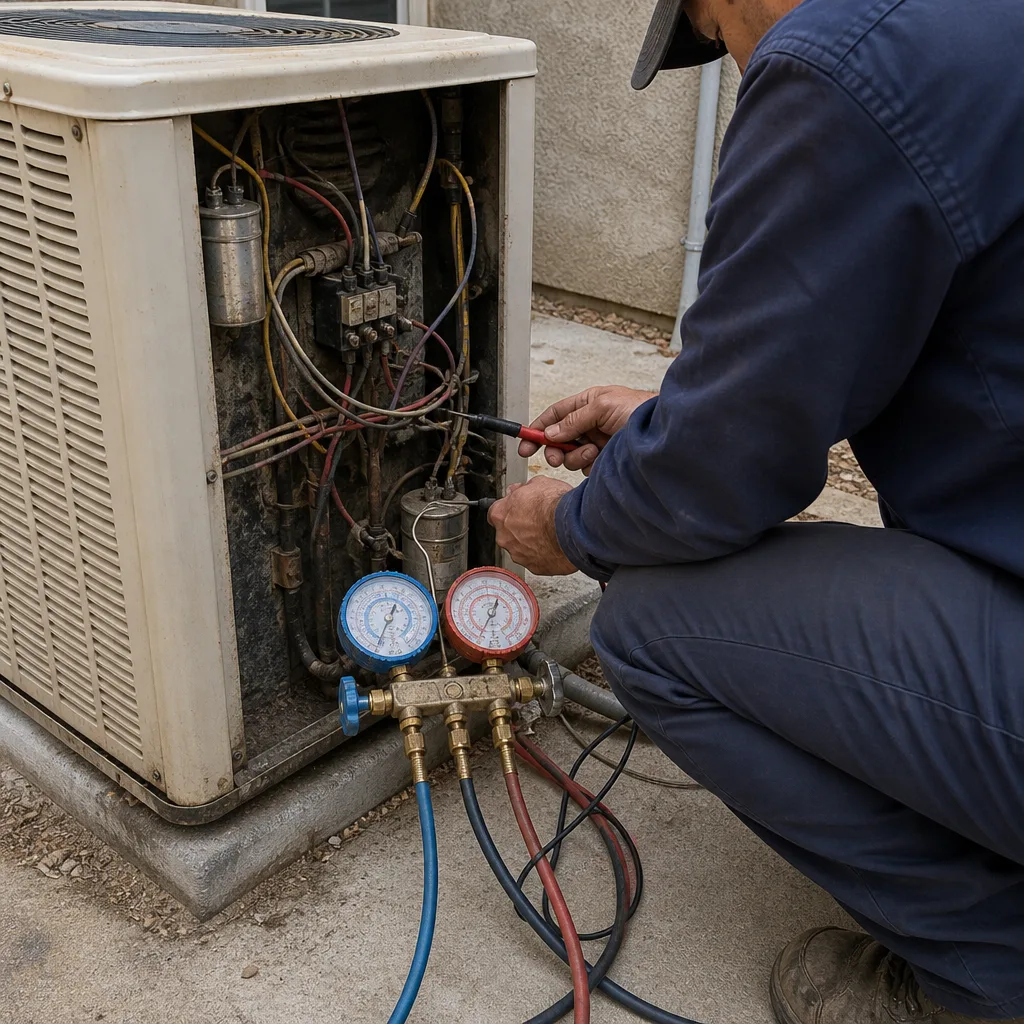 Before
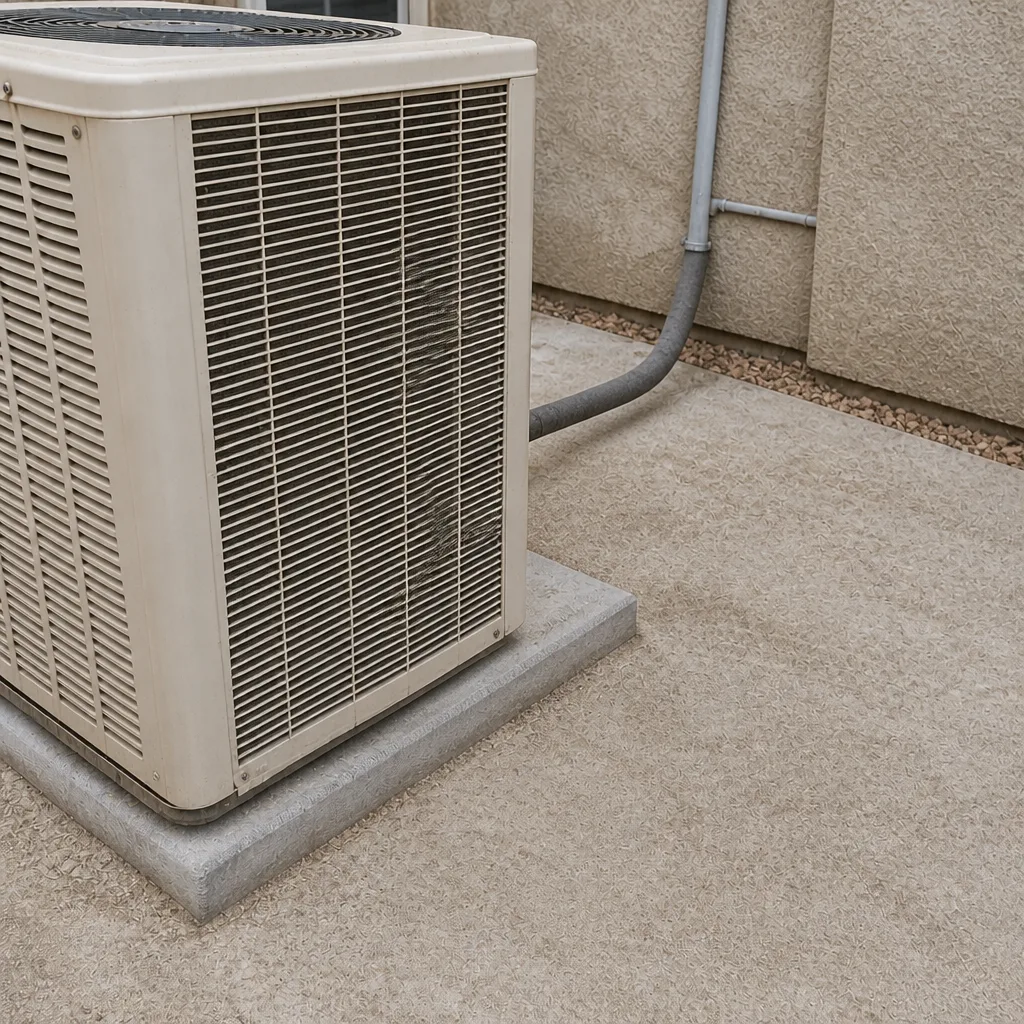 After
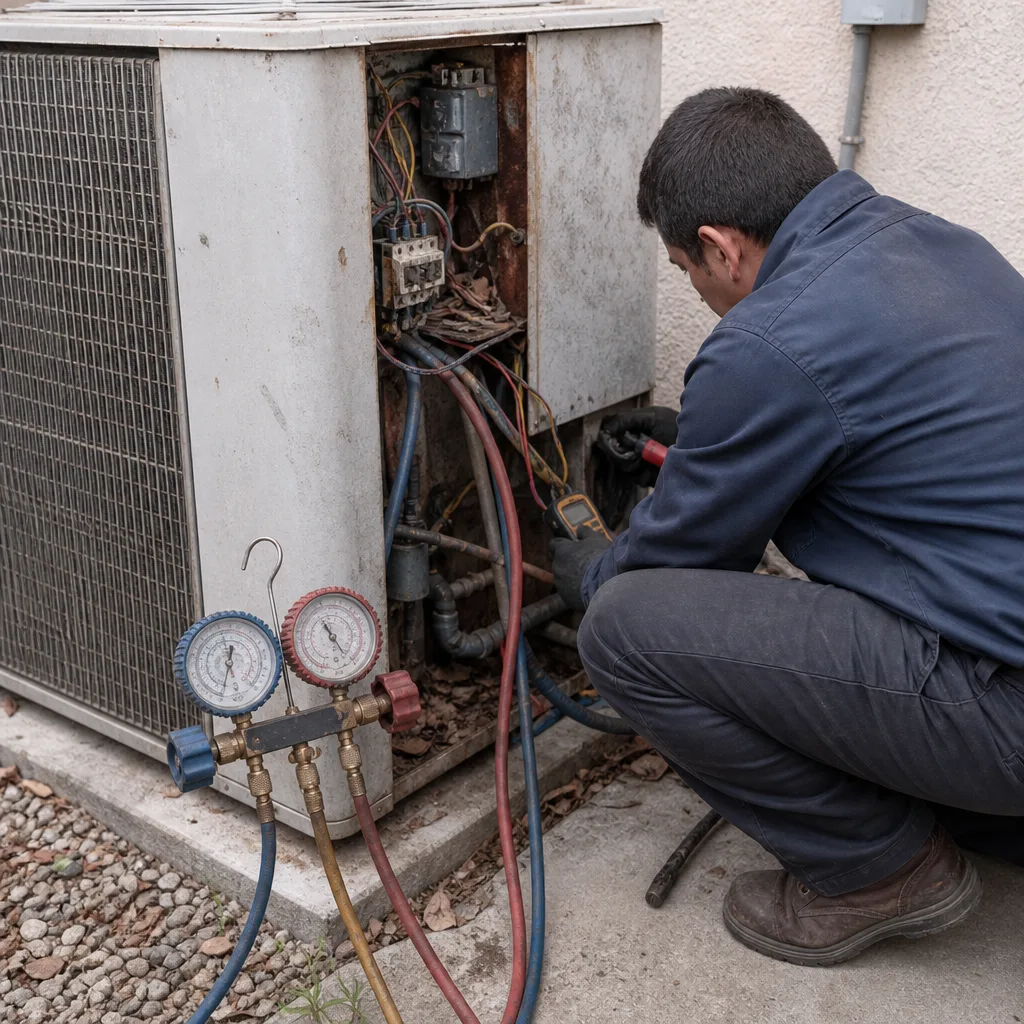 Before
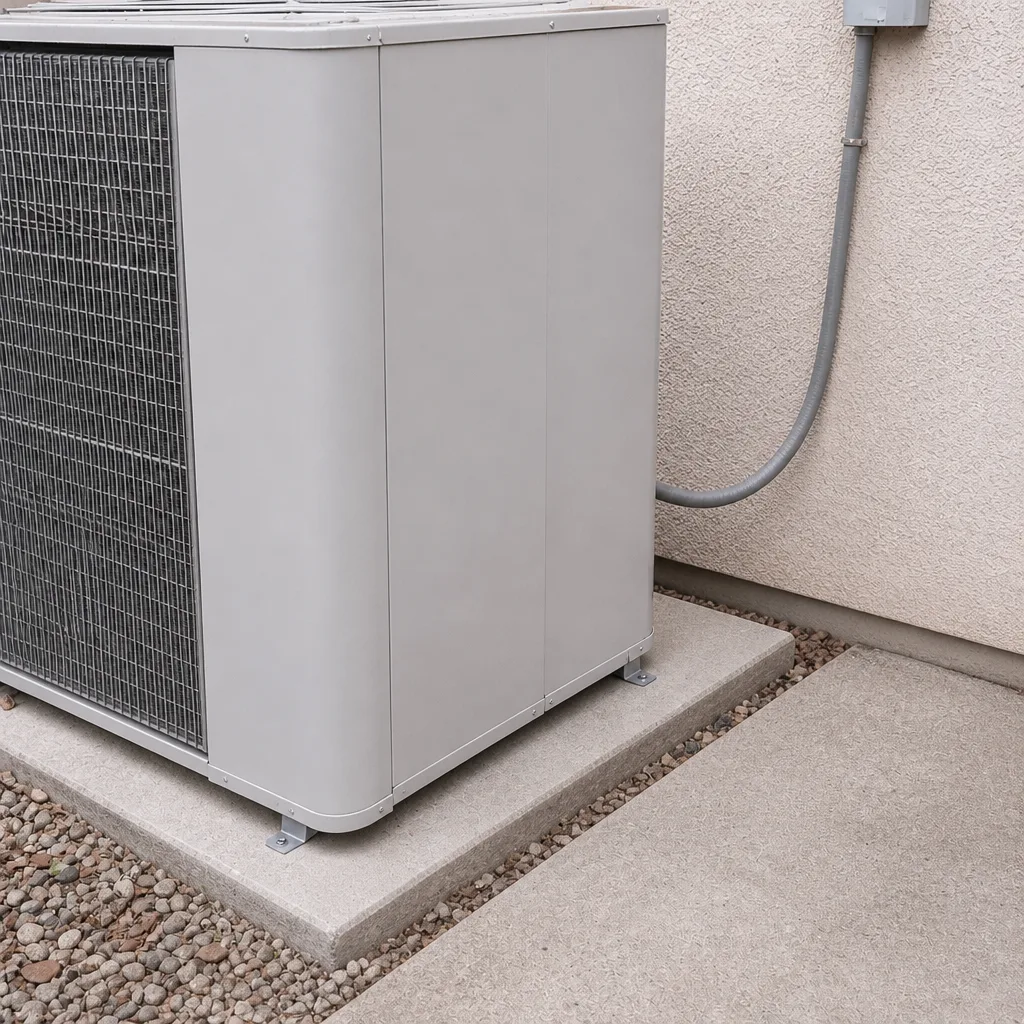 After
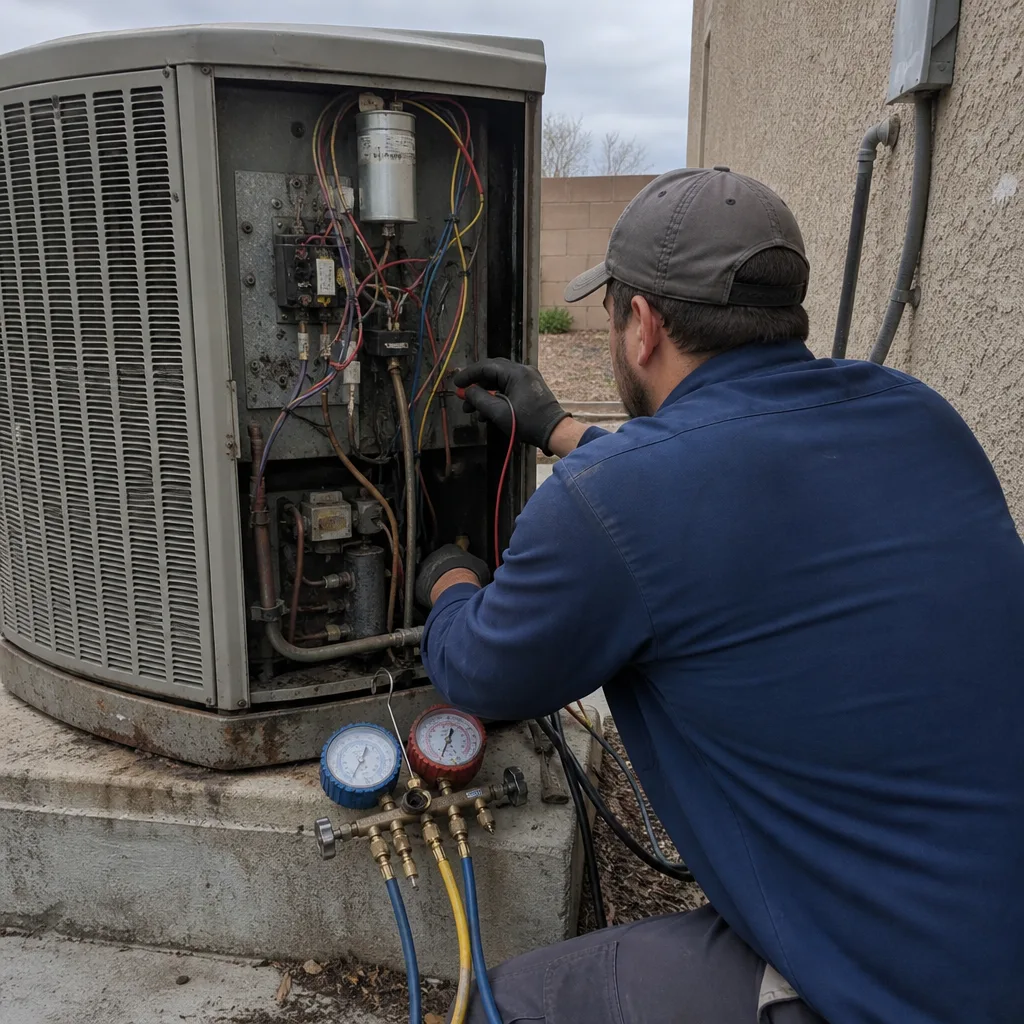 Before
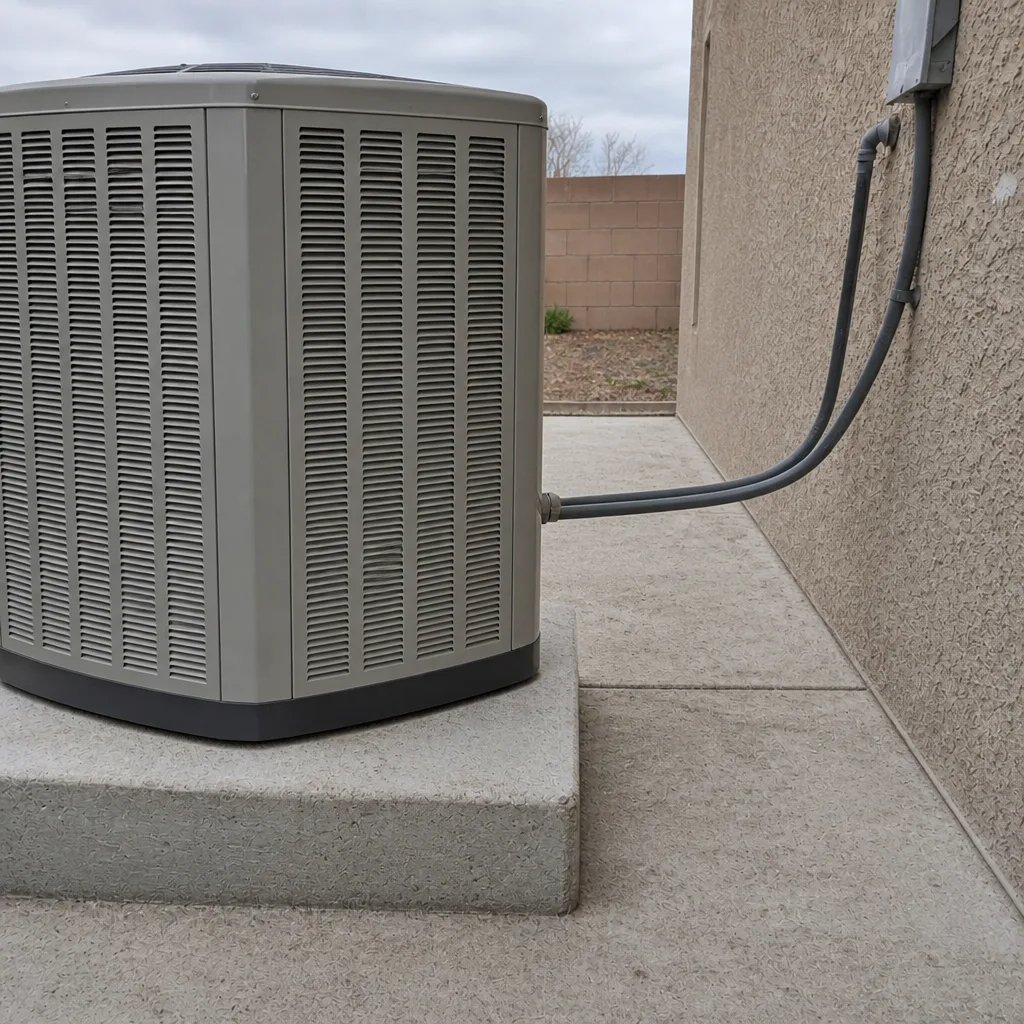 After