
Last updated November 17, 2026
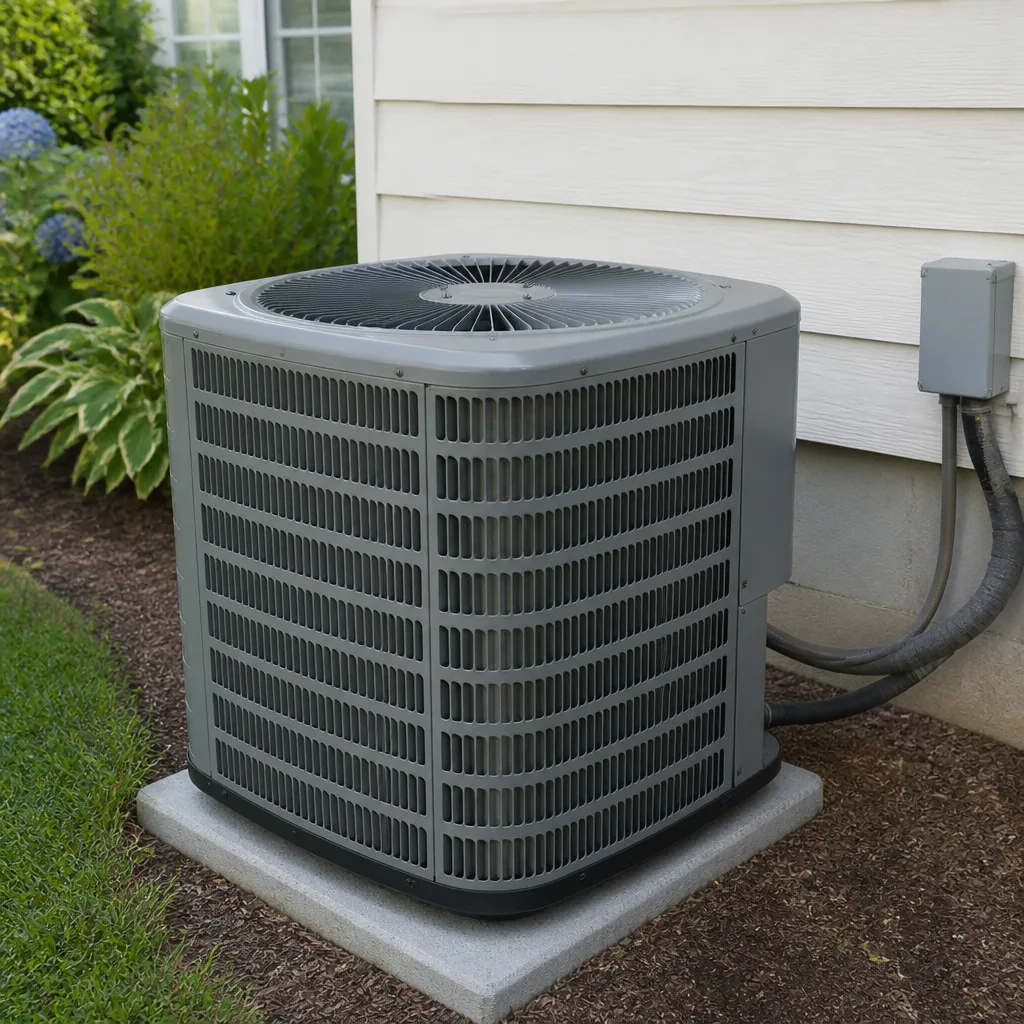 AC repair
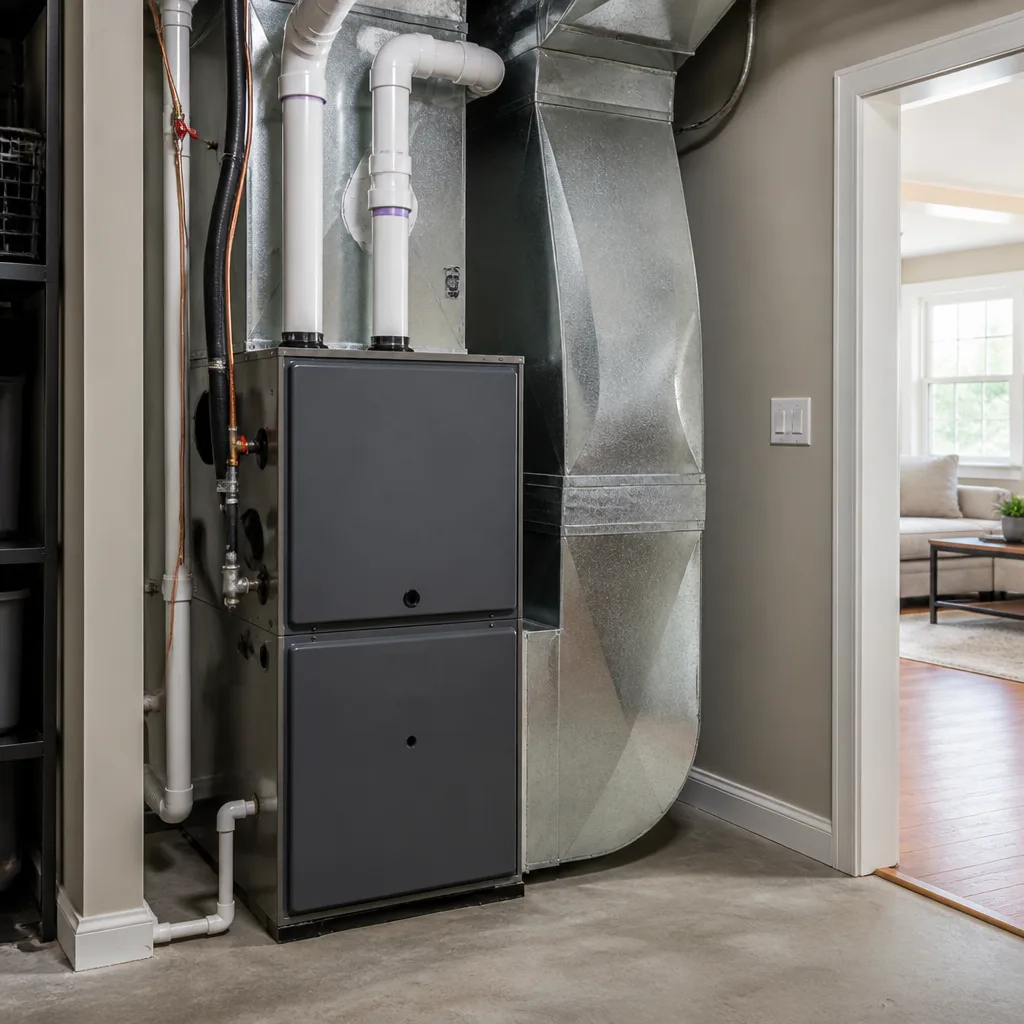 Furnace & heating
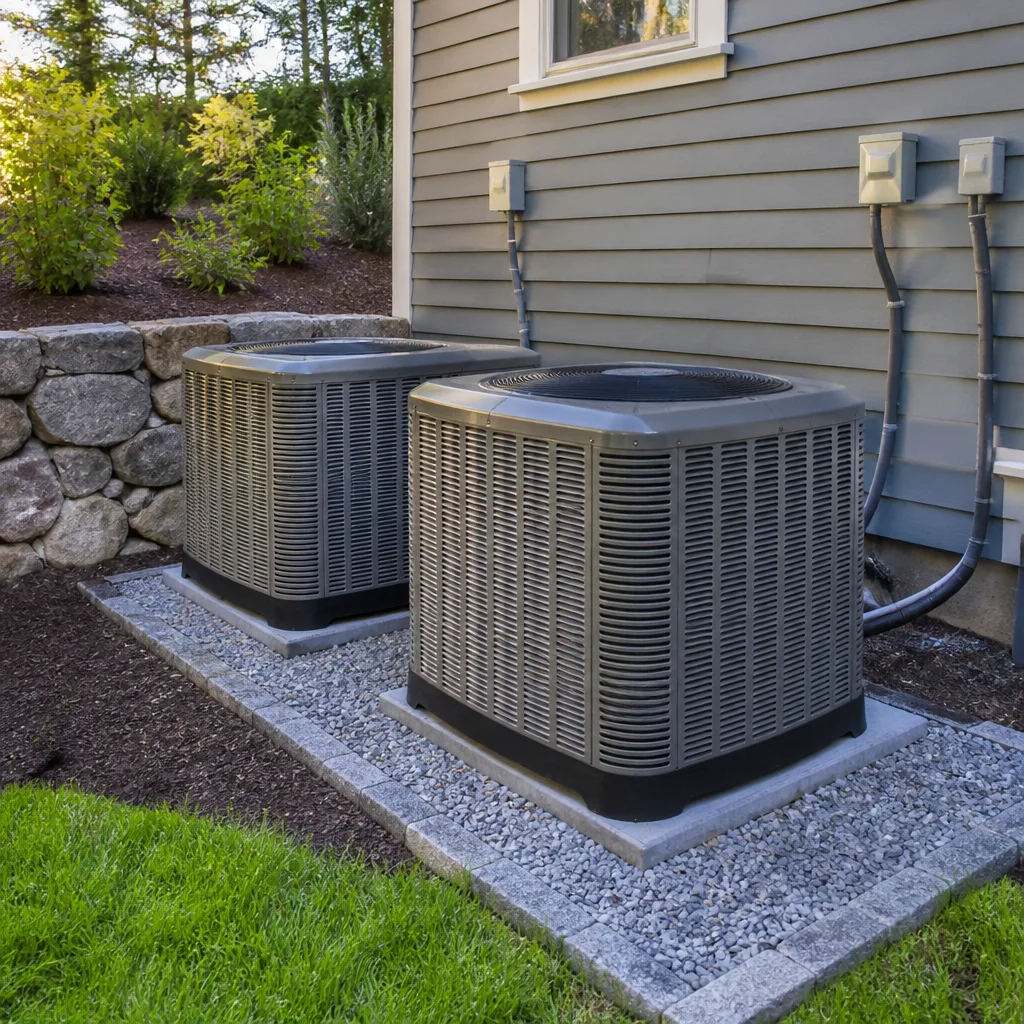 Heat pumps
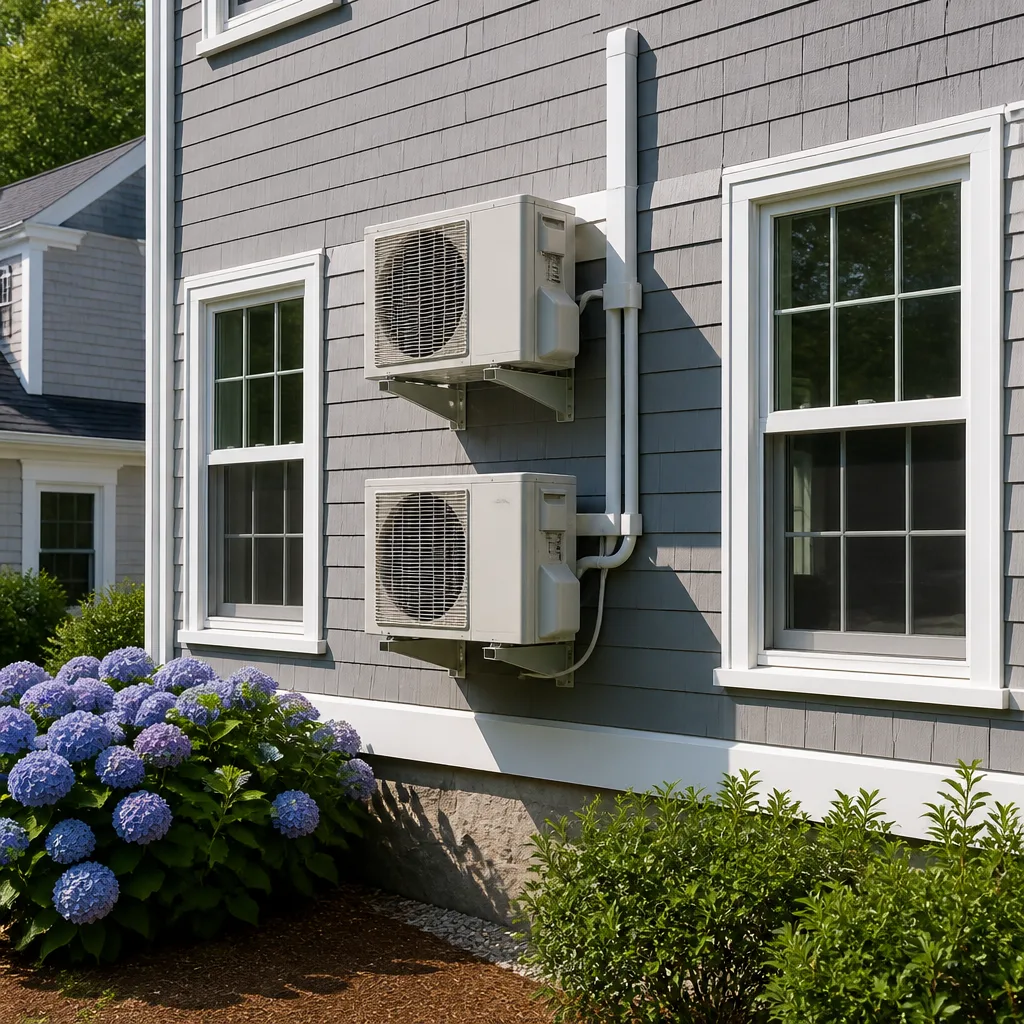 Ductless mini splits
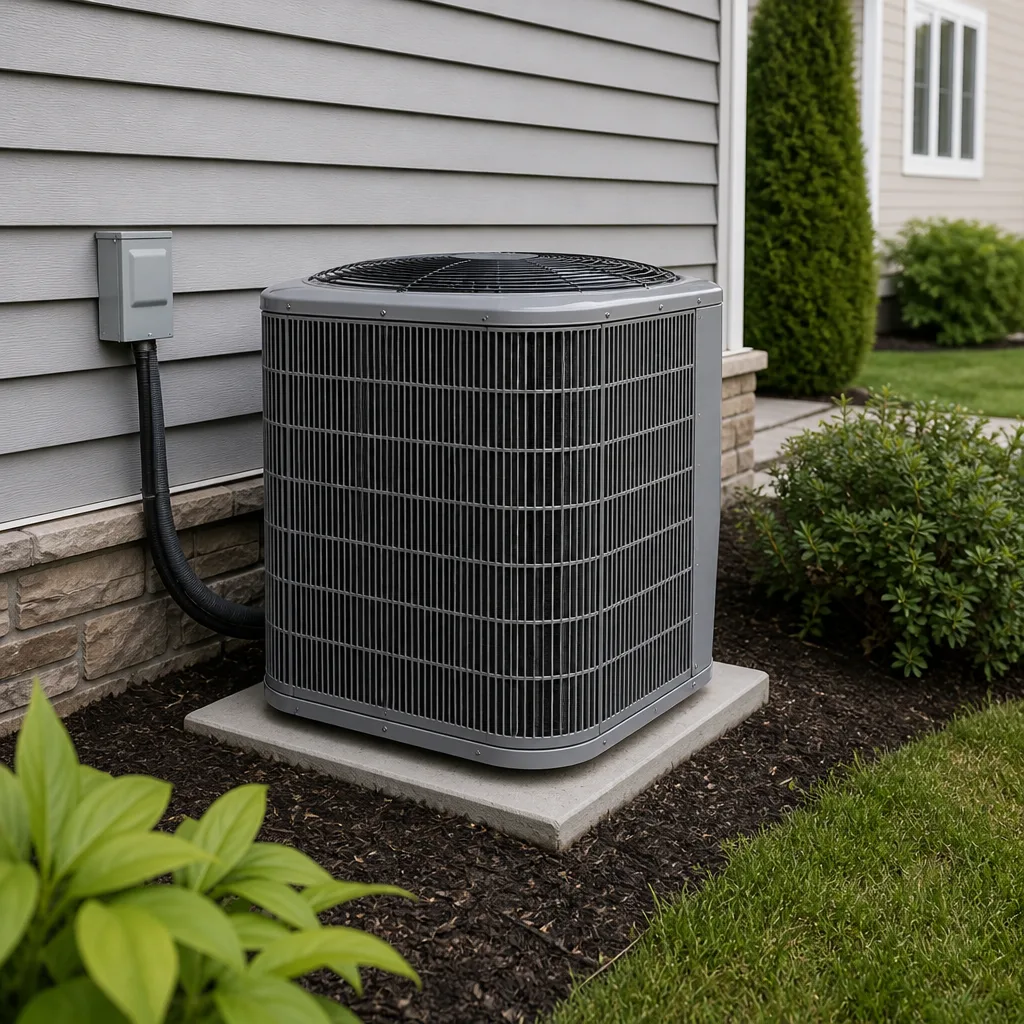 Carrier
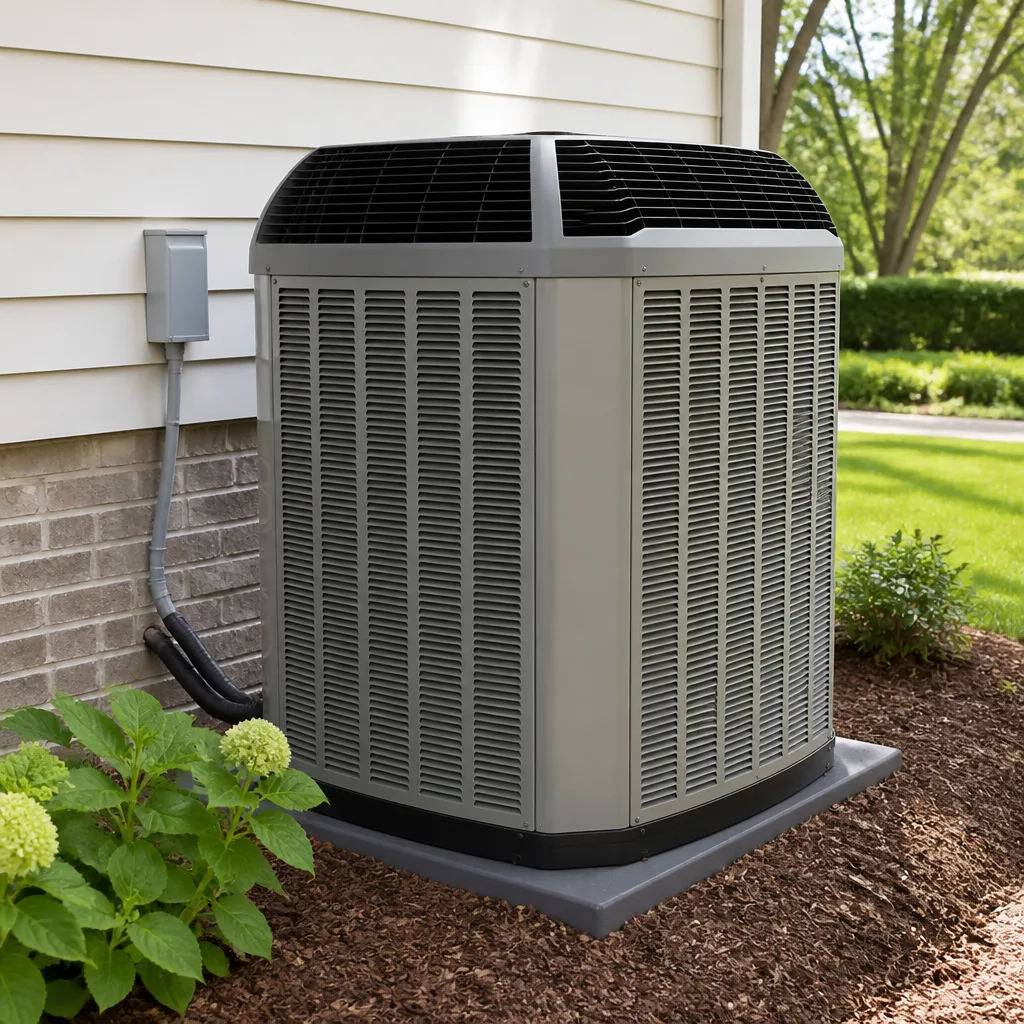 Trane
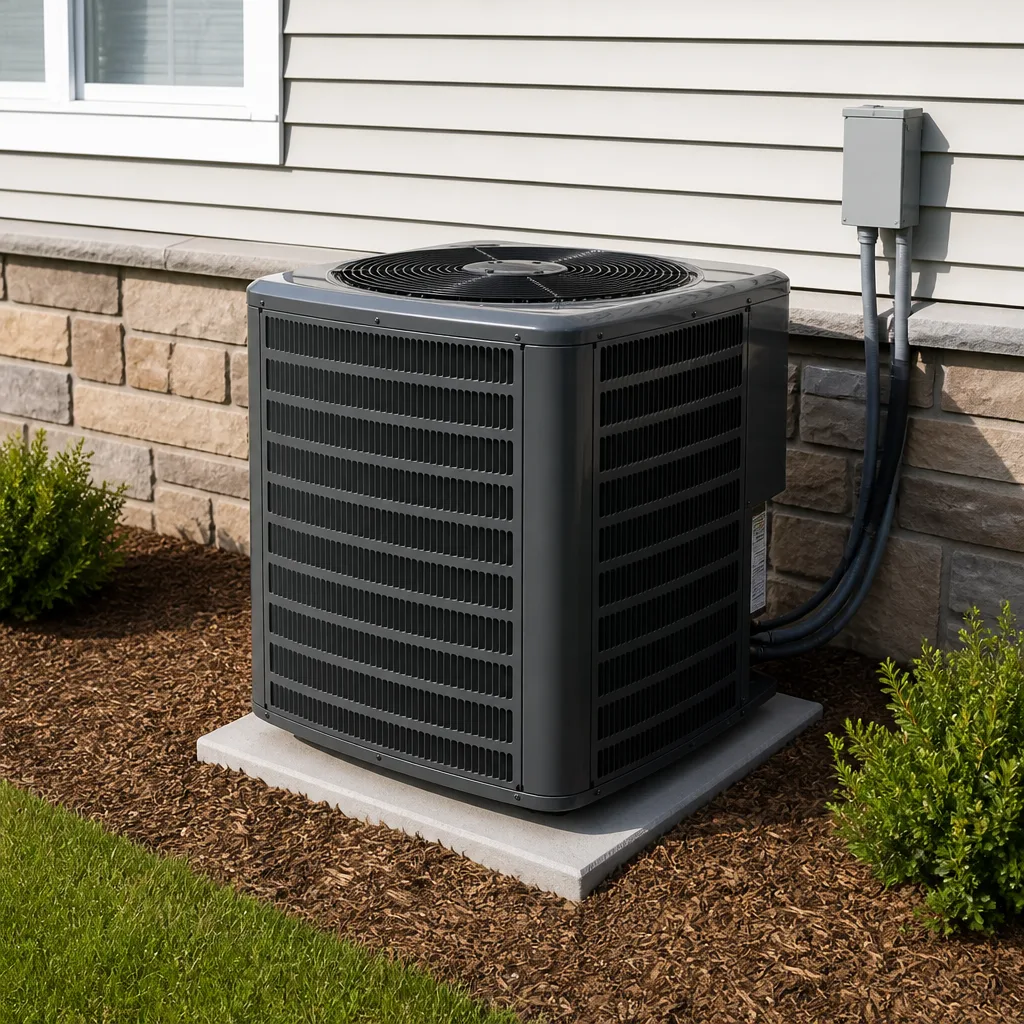 Goodman
Seasonal tune-up and full diagnostic on your Carrier, Trane, or Goodman system - readings shown to you before any repair is proposed
Diagnosis first, numbers second - you approve the repair price before a single part goes in.
Get your free estimateAC Repair Troubleshooting: Common Problems and How to Fix Them
Telling a technician “it’s just not cooling” is like telling a doctor “I feel bad” – it delays diagnosis and can double your repair time. In our experience across Enterprise, the homeowners who get the fastest, cheapest fixes are the ones who can describe four things: what they hear, how the air feels, what they smell, and what the thermostat says compared to what the rooms actually feel like. Those four observations narrow almost every AC problem down to one of six root causes, and that difference is often an $80 repair versus a $1,200 one. This guide gives you the vocabulary to describe your problem clearly, plus the safe readings you can take before anyone arrives.
Quick Answer
Most AC “not cooling” problems trace back to one of six causes: a dirty air filter or blocked return, low refrigerant from a leak, a failed capacitor or contactor, a frozen evaporator coil, a thermostat or sensor fault, or a failing compressor. You can safely check the filter, the thermostat settings, and the supply-versus-return temperature difference yourself. Anything involving refrigerant, breakers, ice on the lines, or a burning smell needs a licensed technician – and in Enterprise, the desert heat and dust make dirty coils and clogged filters far more common than in milder climates.
Styles & brands we work with
- AC repair
- Furnace & heating
- Heat pumps
- Ductless mini splits
- Carrier
- Trane
- Goodman
Table of Contents
- The Symptom-to-Cause Matrix: Match What You Notice to What Failed
- Readings You Can Safely Take Before a Technician Arrives
- The Three Most Misdiagnosed AC Problems in Nevada Desert Climates
- How to Describe Your Problem on the Phone So We Bring the Right Parts
- What Each Noise Tells You: Clicking, Buzzing, Rattling, and Hissing
- Airflow Loss and Odors: What Weak Air and Smells Reveal
- Red Flags That Mean Stop Troubleshooting and Call a Tech Now
- Repair or Replace? How to Judge When a Fix Is Worth It
The Symptom-to-Cause Matrix: Match What You Notice to What Failed
Before you pick up the phone, run through this matrix. Each symptom points to a small set of likely culprits, and knowing which one matches your situation helps us send the right technician with the right parts on the first visit. We’ve built this from thousands of calls in Enterprise and the surrounding valley, where dust, heat, and long cooling seasons shape which failures show up most.
- Loud clicking at the outdoor unit, then nothing: usually a failed capacitor or contactor. These are inexpensive parts, often $150 – $320 installed, and they’re one of the most common summer failures in Enterprise.
- Buzzing or humming that won’t stop: a stuck contactor or a failing compressor. A compressor is the expensive end of the range and needs a proper diagnosis before anyone quotes a repair.
- Rattling or clanking: loose panels, a failing fan blade, or debris in the condenser. In dusty Enterprise conditions, debris in the outdoor unit is common after wind events.
- Weak airflow from the vents: a clogged filter, a blocked return, a failing blower motor, or a duct problem. Start with the filter – it’s free to check.
- Ice on the refrigerant lines or the indoor coil: restricted airflow or low refrigerant. This one needs a technician; do not run the system while it’s frozen.
- A musty or “dirty sock” smell: microbial growth on the evaporator coil or in the drain pan, common when humidity spikes after monsoon storms.
- Thermostat reads a temperature the rooms don’t match: a thermostat calibration or sensor fault, or a system that’s short-cycling and never reaching setpoint.
If you’re weighing whether a fix is even worth it, our guide on AC Repair in Enterprise walks through when repair beats replacement. But start here: the matrix narrows your problem to a category, and that category determines the price range you should expect.
Readings You Can Safely Take Before a Technician Arrives
You don’t need gauges or a multimeter to give us useful information. A few simple, safe observations can cut diagnostic time significantly – and time is money when a technician is on the clock. Here’s what you can check without touching anything dangerous.
- Check the air filter and note its condition. A gray, clogged filter after a month in Enterprise is a red flag for airflow problems. Note whether it’s clean, dusty, or completely blocked.
- Measure the temperature at a supply vent and a return vent. Use a simple thermometer. A healthy system typically shows a 15 – 20°F difference between the return air and the supply air. If it’s much less, the system isn’t cooling properly; if it’s much more, you may have restricted airflow or a frozen coil.
- Read the thermostat against a room thermometer. Set the thermostat to cool and note the setpoint, then compare it to a separate thermometer in the same room. A big gap suggests a thermostat or sensor problem.
- Listen at the outdoor unit for 30 seconds. Note any clicking, buzzing, or rattling. Don’t open the panel – just listen.
- Check the breaker panel for a tripped AC breaker. If it’s tripped, reset it once. If it trips again, stop and call us. A breaker that keeps tripping is a safety signal, not a nuisance.
Write these five observations down before you call. When you reach a live person – we answer the phone 24 hours a day, every day – you’ll be able to say “the filter is clean, the supply-return difference is only 6 degrees, and the outdoor unit clicks but won’t start.” That’s the kind of detail that turns a two-visit repair into a one-visit repair.
The Three Most Misdiagnosed AC Problems in Nevada Desert Climates
Enterprise’s climate is hard on air conditioners in specific ways, and that produces predictable misdiagnoses. Homeowners end up paying for the wrong repair because the symptom looked like one thing and was actually another. These three come up again and again.
1. “It needs refrigerant” when the real problem is airflow
A system that isn’t cooling well in July often gets topped off with refrigerant when the actual culprit is a dirty evaporator coil or a clogged filter. In our experience, dust loads coils fast here, and a coil that can’t transfer heat makes the system behave exactly like a low-charge system. The wrong fix is a refrigerant recharge that masks the problem for a few weeks. The right fix is a coil cleaning and a filter change – often $150 – $300 instead of a refrigerant service that shouldn’t have been needed.
2. “The compressor is bad” when it’s a $200 capacitor
A failed capacitor stops the compressor and fan from starting, and the symptom – the unit hums or clicks and nothing happens – looks identical to a dead compressor. Compressor replacement runs into the thousands; a capacitor replacement is typically $150 – $320 installed. A technician who diagnoses properly tests the capacitor first. This is one reason we insist on a written price before any work starts: you should know which part is being replaced and why.
3. “The thermostat is broken” when the system is short-cycling
Homeowners replace thermostats that were never the problem. When a system short-cycles – running in short bursts and never reaching setpoint – the thermostat can look faulty because the room never matches the setting. The real cause is often an oversized or failing system, a refrigerant issue, or a sensor problem. A $250 thermostat swap that doesn’t fix anything is a common waste. Diagnose the system behavior before replacing the control.
How to Describe Your Problem on the Phone So We Bring the Right Parts
The single biggest cause of a second visit is a vague phone description. If we know what you’re hearing, smelling, and reading, we can load the right parts and send the right technician. Here’s how to give a clear report in under a minute.
- State the brand and approximate age. “It’s a York, about eight years old” tells us a lot. We service York, Daikin, Bryant, American Standard, and every other major residential brand, so brand-specific parts are usually on hand – but knowing ahead of time matters.
- Describe the symptom in one sentence. “It runs but doesn’t cool,” “it clicks and shuts off,” or “it’s blowing warm air.”
- Give your safe readings. Filter condition, supply-versus-return difference, thermostat setpoint versus room temperature.
- Note any recent changes. A power outage, a storm, a breaker trip, or a recent filter change all point toward different causes.
- Say whether anyone is home alone or if you have specific access needs. We send every technician to you by name and photo before the visit, and they show a photo ID badge at the door – so you’ll know exactly who’s coming.
That last point matters to a lot of the homeowners who call us. If you’re home alone, managing young kids, or simply don’t want a stranger at the door unannounced, the Threshold Verified standard is built for you: every technician is background-checked and identity-verified, you get their name and photo before arrival, and if anyone shows up who you weren’t told to expect, that visit is on us. Our Brandt HVAC Enterprise home page explains how that verification works.
What Each Noise Tells You: Clicking, Buzzing, Rattling, and Hissing
Sound is the most underused diagnostic tool a homeowner has. Each noise type points to a different component, and noting it precisely saves time on the first visit. Here’s how to translate what you hear.
- Clicking at the outdoor unit, repeated: the contactor is trying to start the compressor and failing. Often a capacitor or contactor. Price range usually $150 – $320.
- Continuous buzzing or humming: a stuck contactor, a failing fan motor, or a compressor under strain. A compressor issue is a much bigger repair and needs a proper diagnosis before any quote.
- Rattling or clanking: loose panels, a loose fan blade, or debris in the condenser. In Enterprise, wind-blown debris in the outdoor unit is a common cause.
- Hissing or a bubbling sound at the indoor unit: refrigerant escaping from a leak. This is a stop-and-call situation – don’t keep running the system.
- Squealing or screeching: a failing blower motor bearing or belt. Usually needs a technician, but it’s not an emergency unless the system stops cooling.
Keep a short note of the noise and when it happens – at startup, continuously, or only in the afternoon heat. That timing detail alone can point a technician toward a thermal-related failure like a failing capacitor, which often shows up only when the outdoor unit gets hot.
Airflow Loss and Odors: What Weak Air and Smells Reveal
Weak airflow and strange smells are two different symptoms that often share a cause: a system struggling to move air properly. In Enterprise, where dust and dry heat dominate the cooling season, both are common and both are usually cheaper to fix than they look.
Weak airflow usually means one of four things: a clogged filter, a blocked return vent, a failing blower motor, or a duct problem. Start with the filter – it’s the cheapest fix and the most common cause. If the filter is clean and the airflow is still weak, the blower or ducts are the next suspects. A blower motor replacement runs roughly $400 – $700 installed; duct repairs vary widely.
Odors tell a different story. A musty smell points to microbial growth on the evaporator coil or in the drain pan, which happens when condensation sits. A burning smell is a hard stop – turn the system off and call us. A refrigerant odor (faintly sweet or chemical) near the indoor unit means a leak. Musty smells are often fixed with a coil cleaning; burning and refrigerant smells need a technician immediately.
Regular maintenance prevents most airflow and odor problems before they start. Our AC Maintenance in Enterprise page covers what a proper tune-up includes, and a flat-price maintenance visit is far cheaper than the repairs it prevents.
Red Flags That Mean Stop Troubleshooting and Call a Tech Now
Troubleshooting has a stopping point. Some symptoms mean you should stop investigating and call a licensed technician immediately – not because we want the business, but because these situations can cause real damage or injury. Here’s where we draw the line.
- Ice on the refrigerant lines or indoor coil: low refrigerant or restricted airflow. Running the system while frozen can damage the compressor.
- A breaker that trips repeatedly: a sign of an electrical fault. Reset it once. If it trips again, stop.
- Any burning smell: turn the system off at the thermostat and call us. This can indicate an electrical problem.
- Refrigerant odor or visible leaking fluid: refrigerant is a hazardous material. Don’t touch it, don’t try to recharge it yourself, and call a technician.
- Loud mechanical banging from the compressor: stop the system and call. This can signal a failing compressor.
- Water pooling around the indoor unit: a clogged drain line or a frozen coil. Turn it off and call.
These are the situations where a trained professional needs to be involved. Refrigerant handling requires certification and equipment; electrical faults require a licensed electrician or HVAC technician. We’d rather you call and have us tell you it was nothing than have you risk a compressor, a shock, or worse.
Repair or Replace? How to Judge When a Fix Is Worth It
Once you know what’s wrong, the next decision is whether to fix it. The rule of thumb is simple: if the repair costs more than a third of what a new system would cost, and the system is more than 10 – 12 years old, replacement often makes more sense. But that arithmetic depends on the specific part and the specific system.
- Cheap fix on a newer system: a capacitor or contactor on a system under 10 years old – repair, every time.
- Mid-range fix on an older system: a blower motor or coil on a system over 12 years old – get a written quote for both repair and replacement before deciding.
- Big-ticket repair on an old system: a compressor on a system past 12 years – replacement usually wins on total cost over the next five years.
We’ve also helped Enterprise homeowners decide when a repair isn’t worth it because the rest of the system is close behind. A written price on the repair and a written quote on replacement, side by side, makes the decision obvious. If you’re also looking at heating problems during a cold snap, our Furnace Repair in Enterprise page covers the heating side of the same logic.
Common Mistakes to Avoid
- Topping off refrigerant without finding the leak. In Enterprise heat, a system loses charge for a reason. A recharge without a leak search wastes money and the problem returns within weeks.
- Replacing the thermostat before diagnosing the system. A thermostat swap is often a $250 guess when the real issue is a failing capacitor or a short-cycling system.
- Running the system with ice on the lines. A frozen coil can damage the compressor, turning an $80 fix into a $1,200 one.
- Resetting a tripping breaker repeatedly. A breaker that keeps tripping is an electrical fault. Reset once, then call us – not three times.
- Skipping the filter during dust season. In Enterprise, filters clog faster than in milder climates. A monthly check during summer saves airflow problems and compressor strain.
- Describing the problem as “not cooling” and nothing else. The symptom, the noise, and the readings cut diagnostic time – and diagnostic time is billable time.
- Letting anyone work without a written price first. You should see the cost in writing before any work starts. That’s not a courtesy; it’s how every job should run.
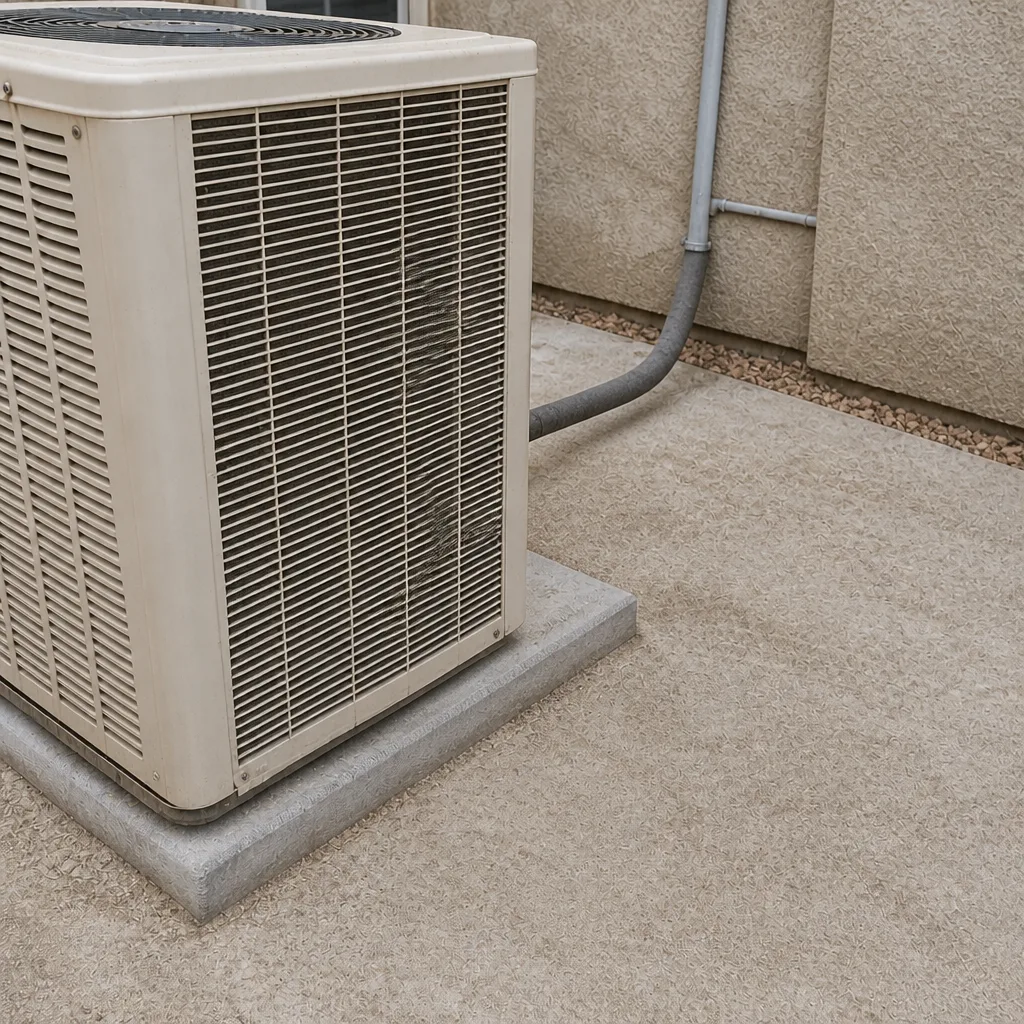
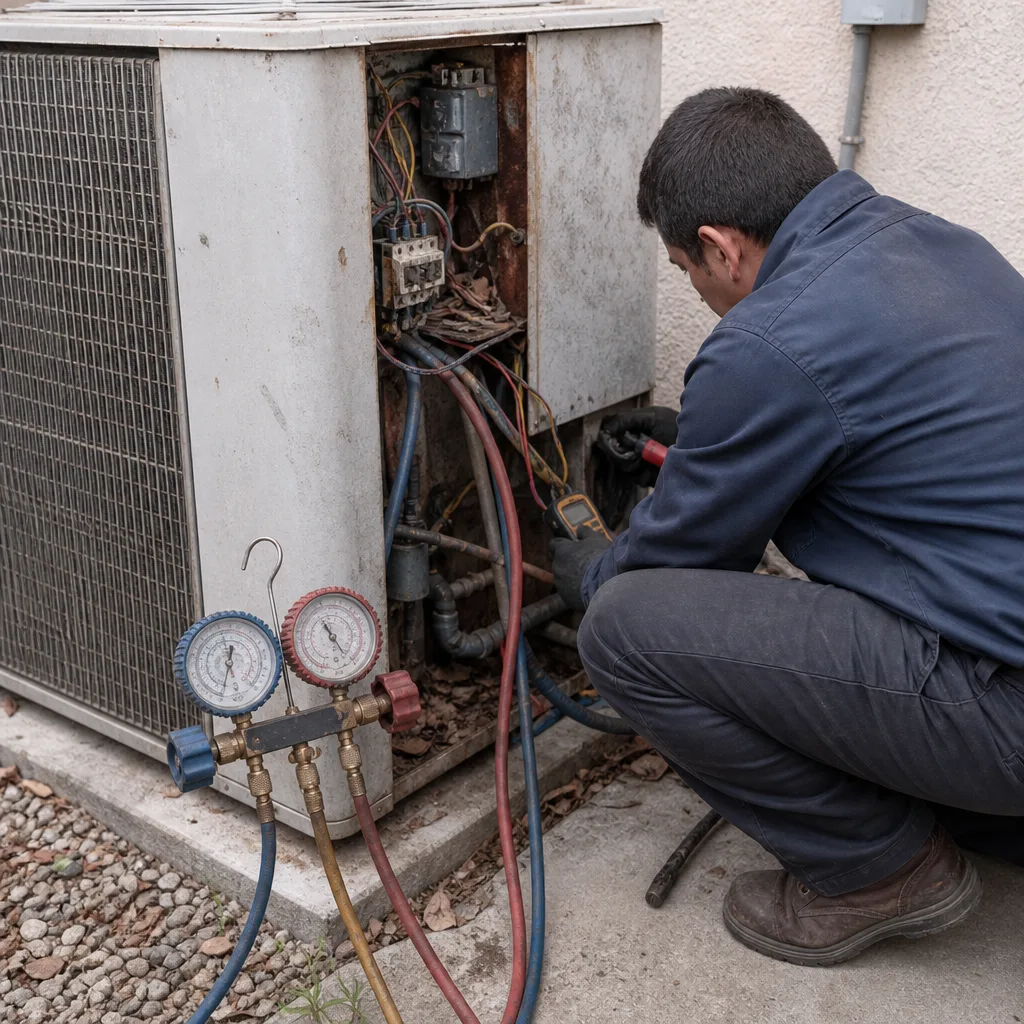
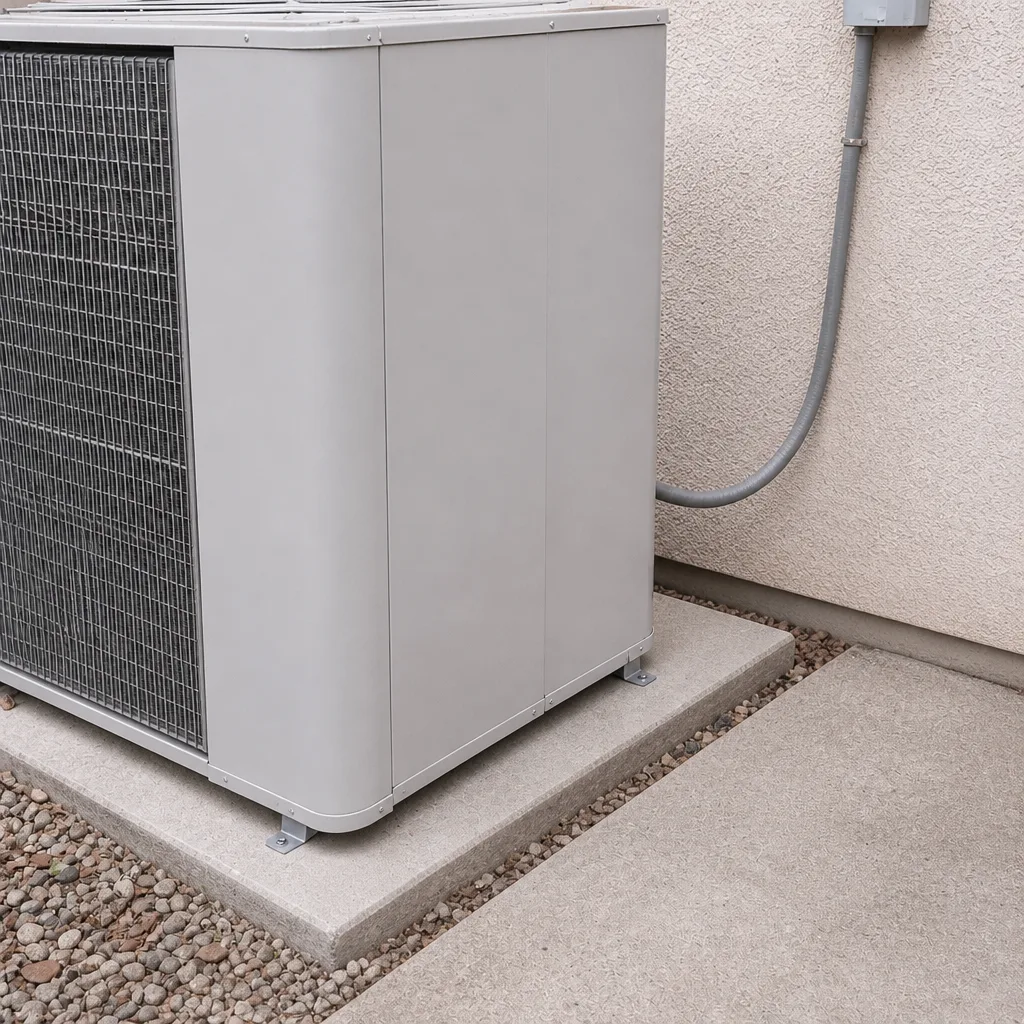
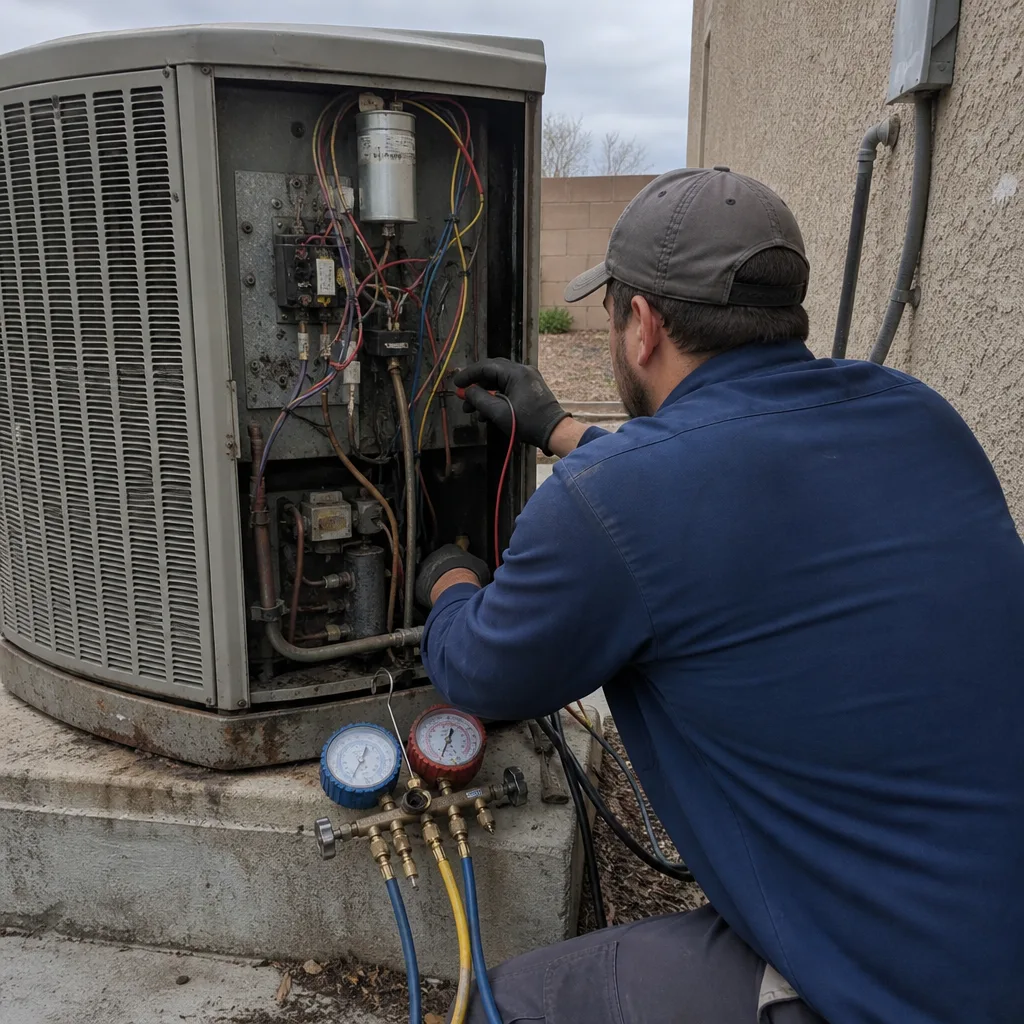
See the difference
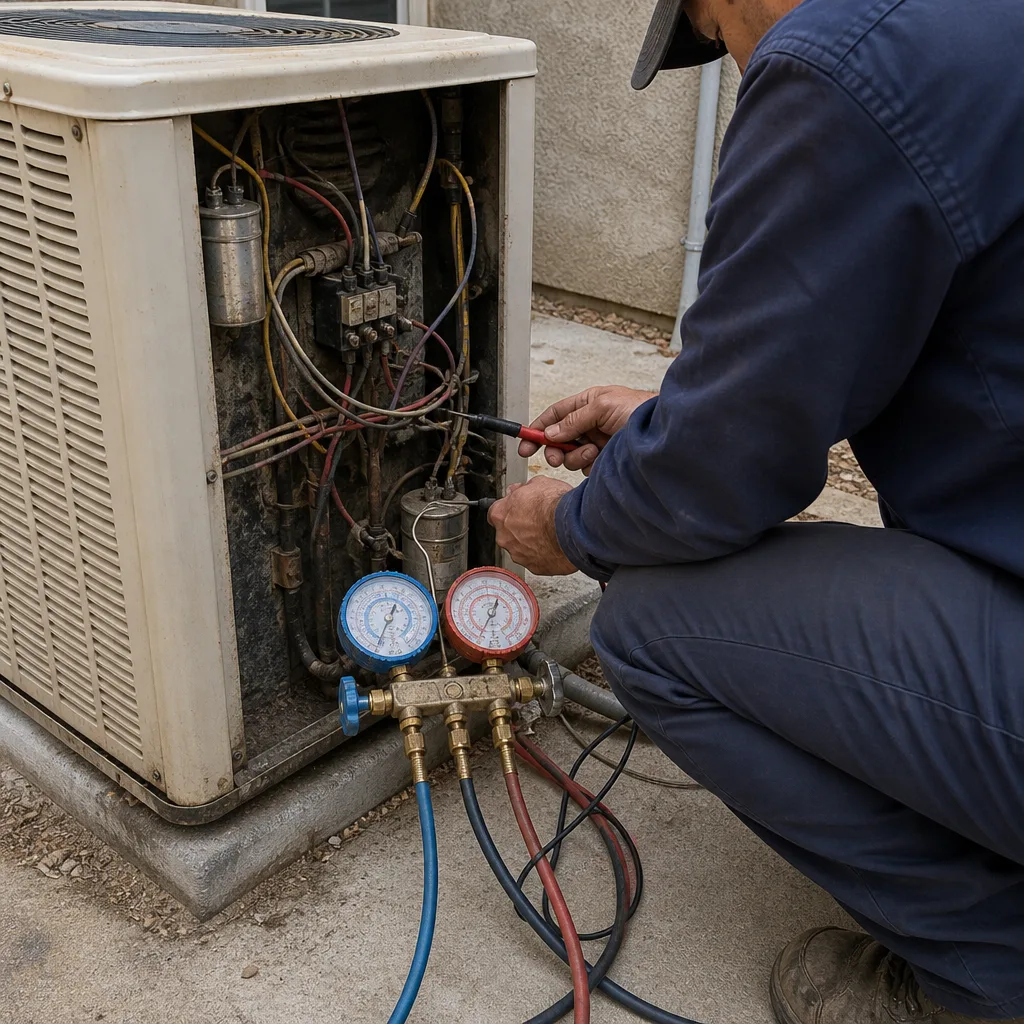 Before
 After
 Before
 After
 Before
 After
When to Call a Professional
Call a technician when you see ice on the lines, smell burning or refrigerant, have a breaker that keeps tripping, or hear loud mechanical banging from the compressor. Call when the repair needs refrigerant, electrical work, or compressor service. And call when you’ve checked the filter, the thermostat, and your safe readings, and the system still isn’t cooling right. Every repair we do includes a written guarantee, and if it fails within 365 days, we return at no charge under the 365-Day Done Right Promise. Brandt HVAC Enterprise offers free estimates in Enterprise – call (844) 797-9490, and a live person answers, 24 hours a day.
Frequently Asked Questions
The most common causes are a clogged air filter, a dirty evaporator coil, low refrigerant, or a failed capacitor. In Enterprise’s desert climate, dust and long cooling seasons make airfilter and coil problems especially common. Check your filter first, then call (844) 797-9490 for a diagnosis – estimates are free.
Yes – you can safely check the air filter, read the thermostat against a room thermometer, listen for clicks or buzzing at the outdoor unit, and measure the supply-versus-return temperature difference. Don’t open panels or touch refrigerant lines. Those safe readings speed up diagnosis and often save you a second visit.
Most common repairs run $150 – $350 for a capacitor, contactor, or filter and cleaning. Bigger jobs like a blower motor run $400 – $700, and compressor replacement runs into the thousands. We give you a written price before any work starts, so you’ll know the cost before we begin.
It’s a stop-and-call situation, not a wait-and-see. Ice usually means low refrigerant or restricted airflow, and running the system while frozen can damage the compressor. Turn it off and call (844) 797-9490 – a live person answers 24 hours a day.
Under the Threshold Verified standard, every technician is background-checked and identity-verified, and you’re sent their name and photo before the visit. They show a photo ID badge at your door. If anyone arrives who you weren’t told to expect, that visit is on us and we make it right.
A good rule: if the repair costs more than a third of a new system’s price and your unit is over 10 – 12 years old, replacement often wins on total cost. For a cheap part on a newer system, repair every time. We’ll give you a written price on both options so the decision is clear. Call (844) 797-9490 for a free estimate.
The Bottom Line
Four observations – sound, airflow, smell, and thermostat versus room temperature – narrow almost every AC problem to one of six causes, and that’s what separates an $80 fix from a $1,200 one. Check your filter and your supply-versus-return temperature yourself, describe the symptom clearly on the phone, and know the red flags that mean stop and call. In Enterprise, dust and heat make dirty coils and clogged filters the most commonly misdiagnosed problems, so start there. When you need a real diagnosis, we give you a written price before any work starts, back every repair with a written guarantee, and send every technician to your door by name and photo. Our technicians have up to 23 years of experience, and we service York, Daikin, Bryant, American Standard, and every major residential brand.
Call (844) 797-9490 for a free estimate – a live person answers 24 hours a day, every day.
Written by the team at Brandt HVAC Enterprise.