
Last updated November 17, 2026
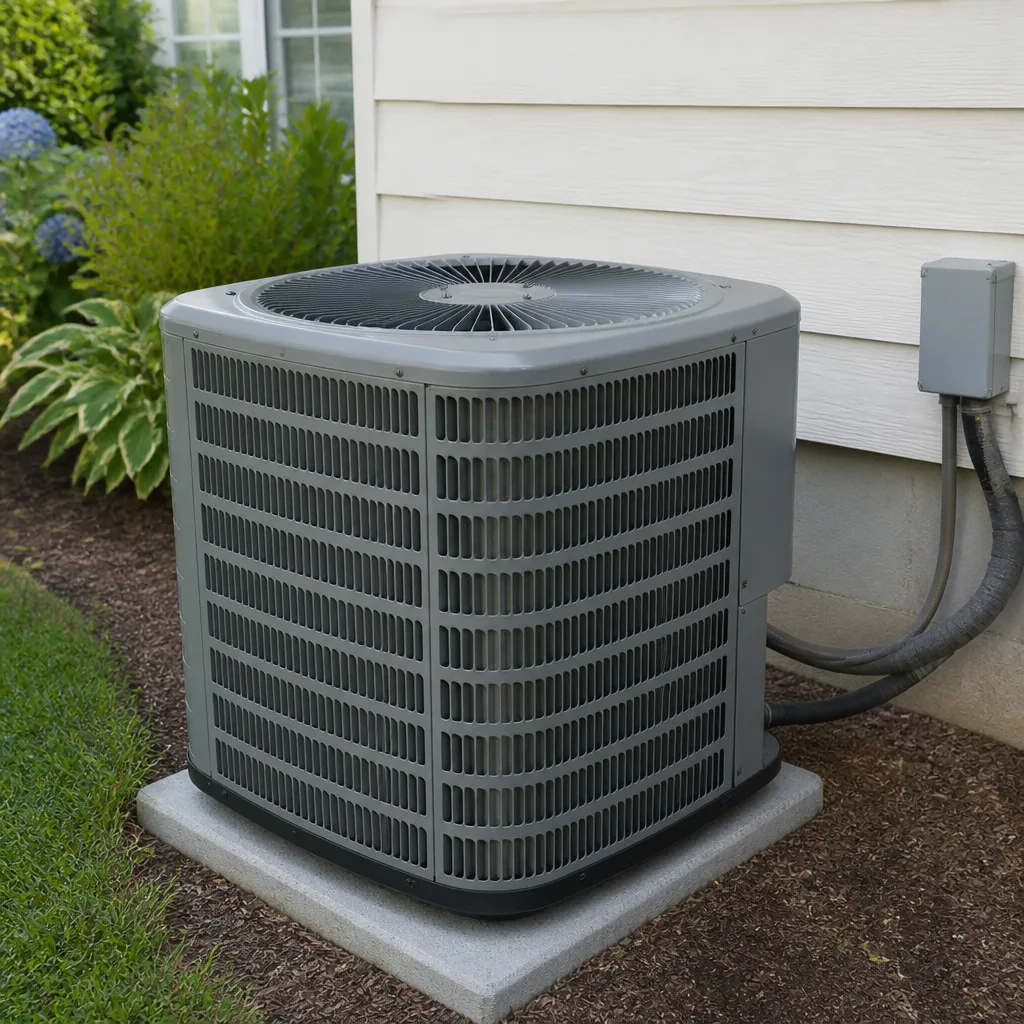 AC repair
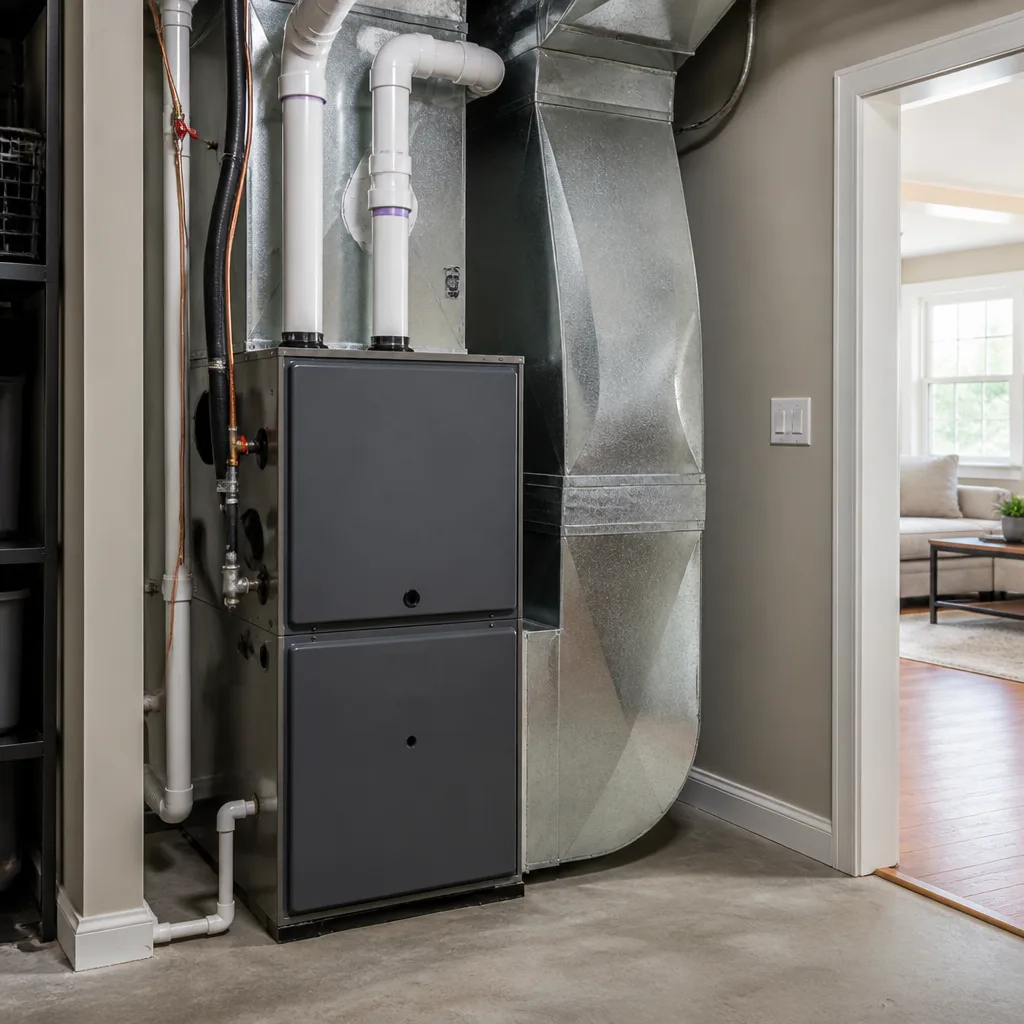 Furnace & heating
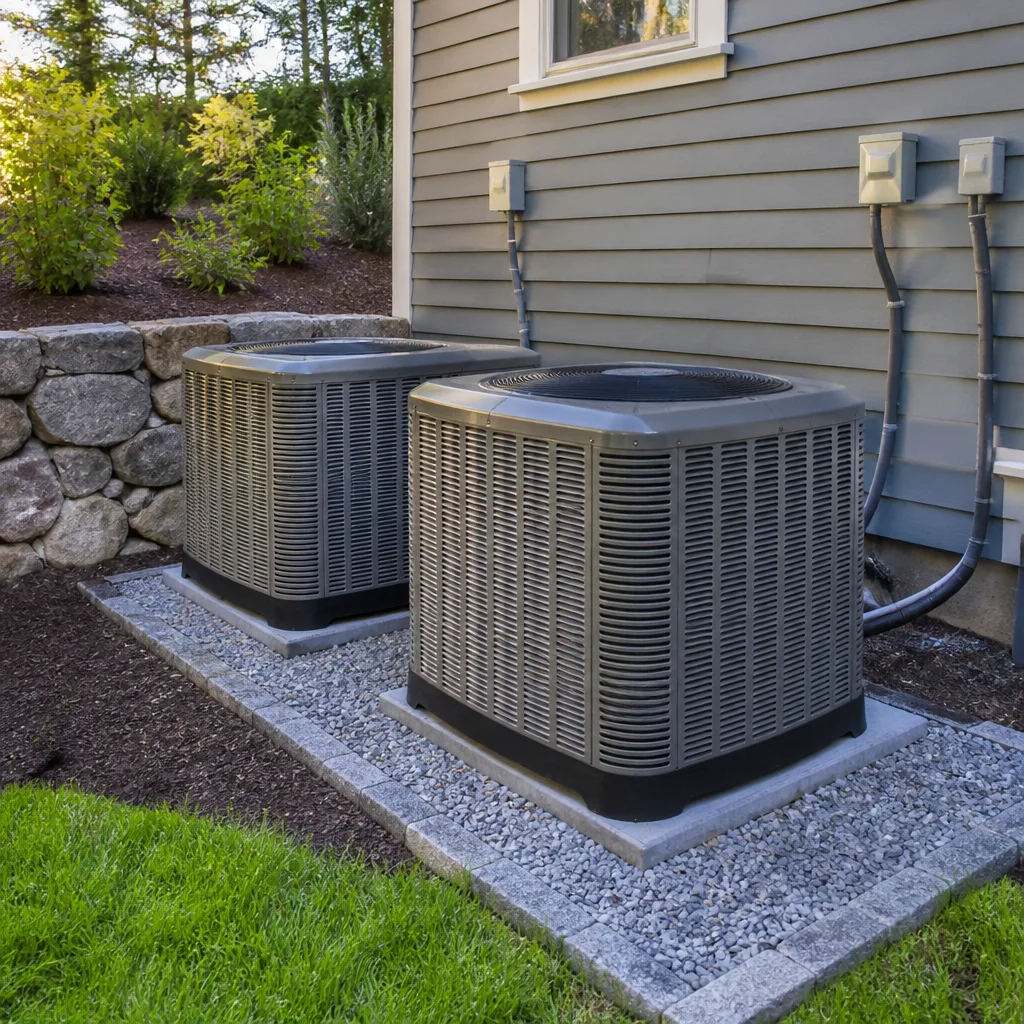 Heat pumps
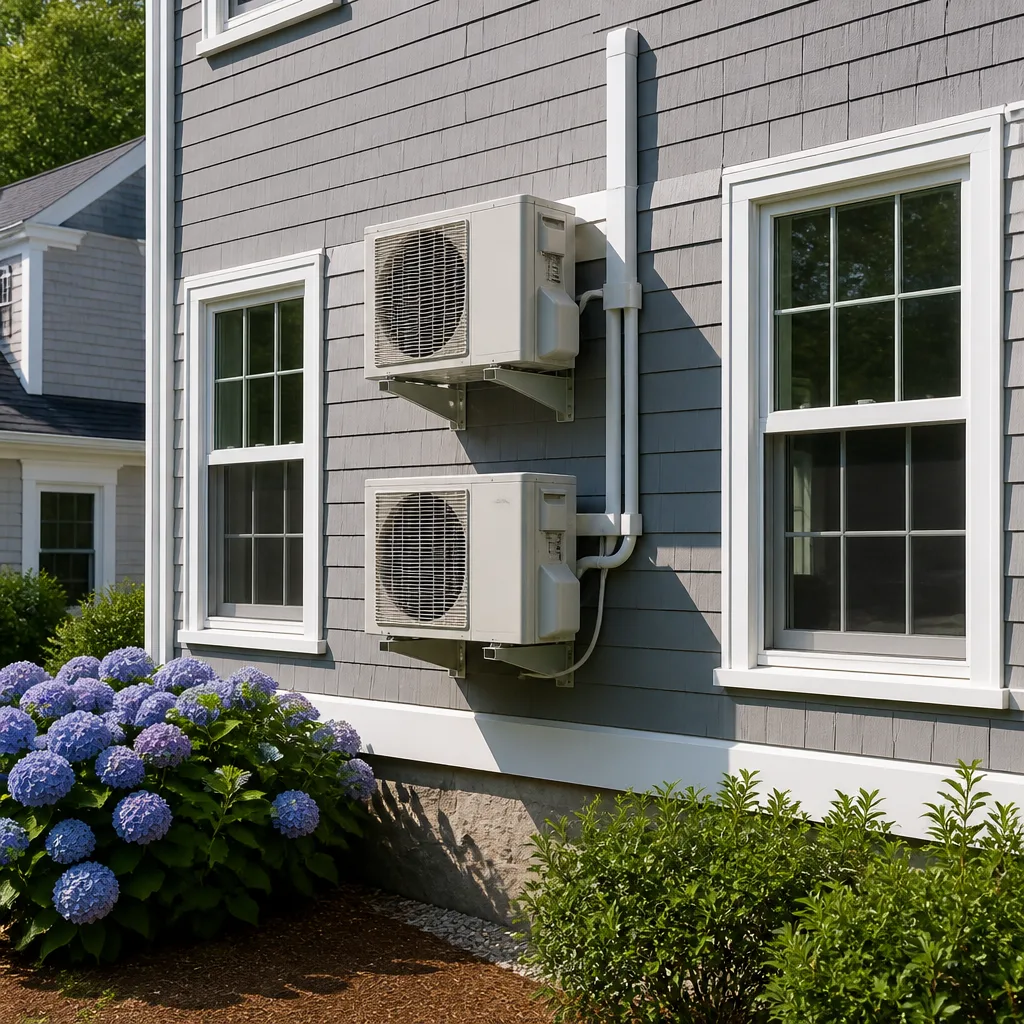 Ductless mini splits
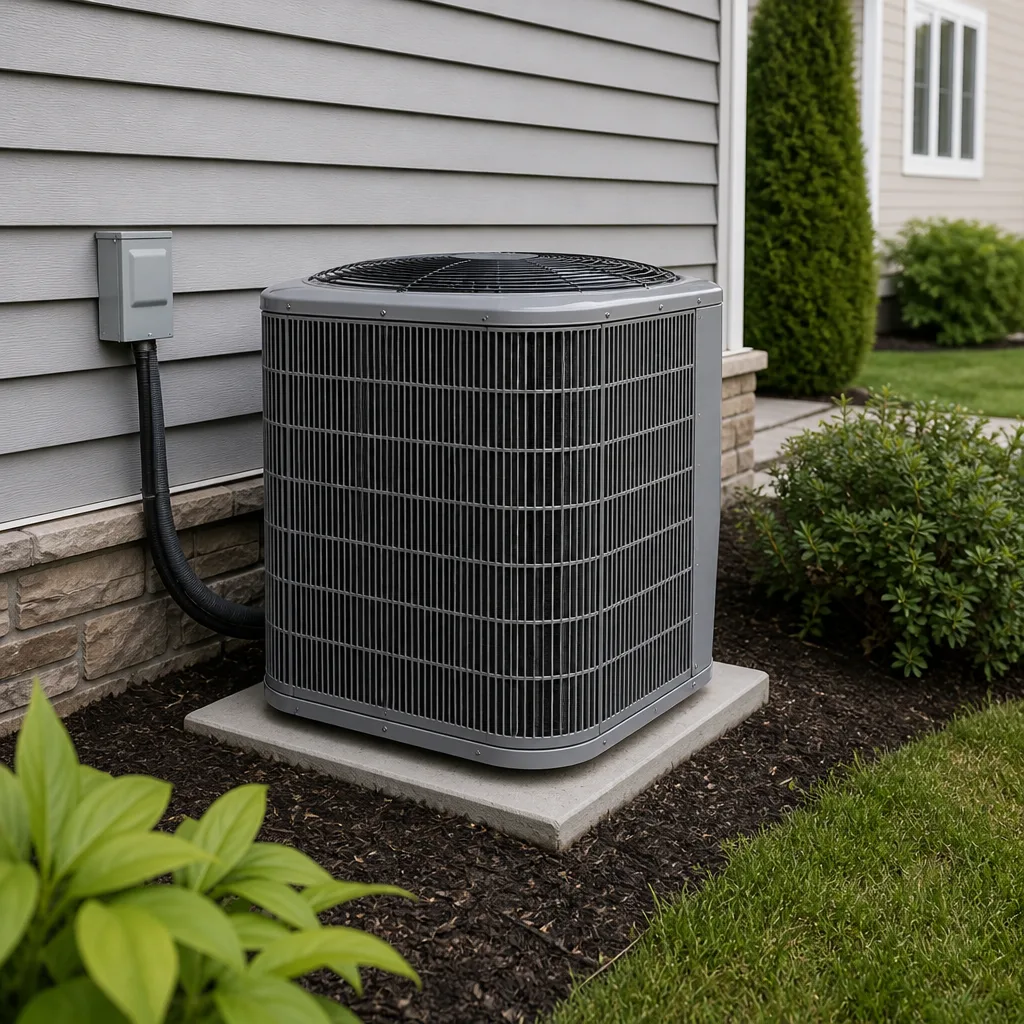 Carrier
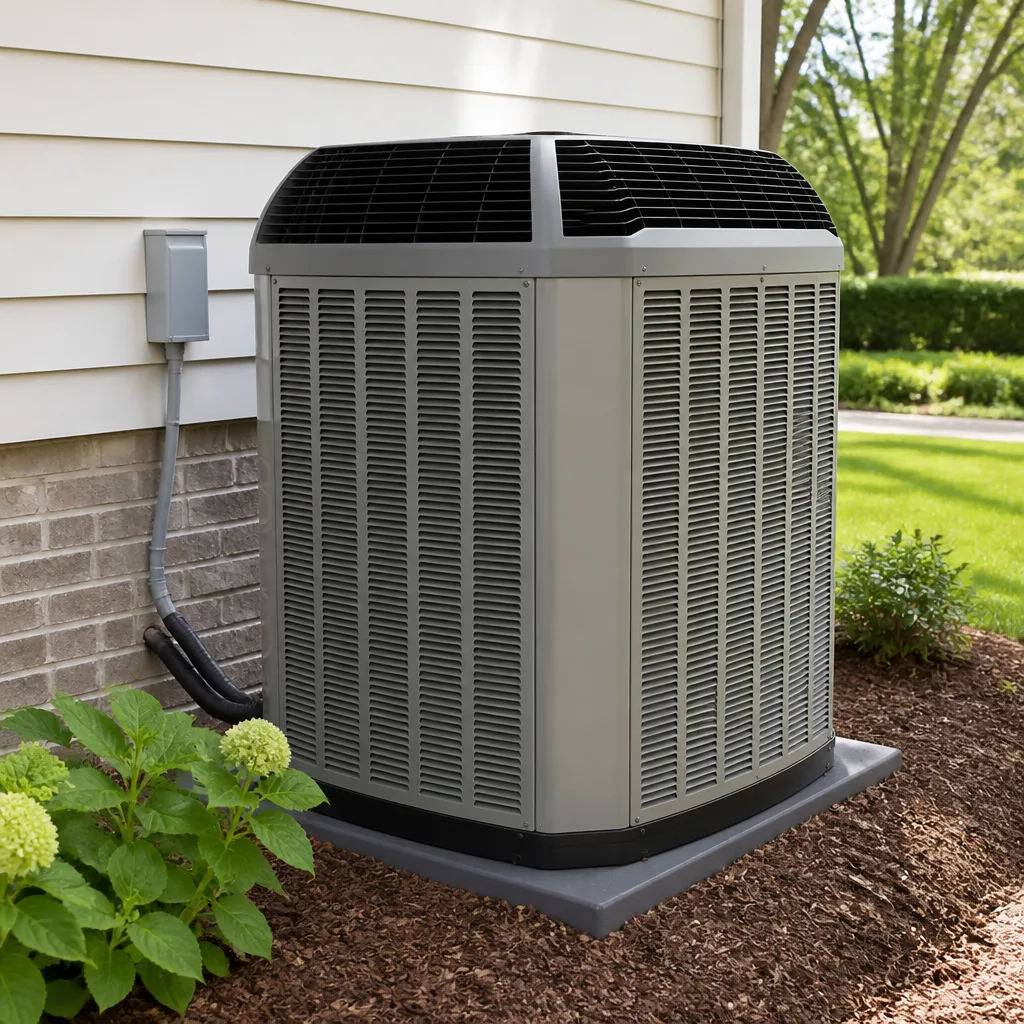 Trane
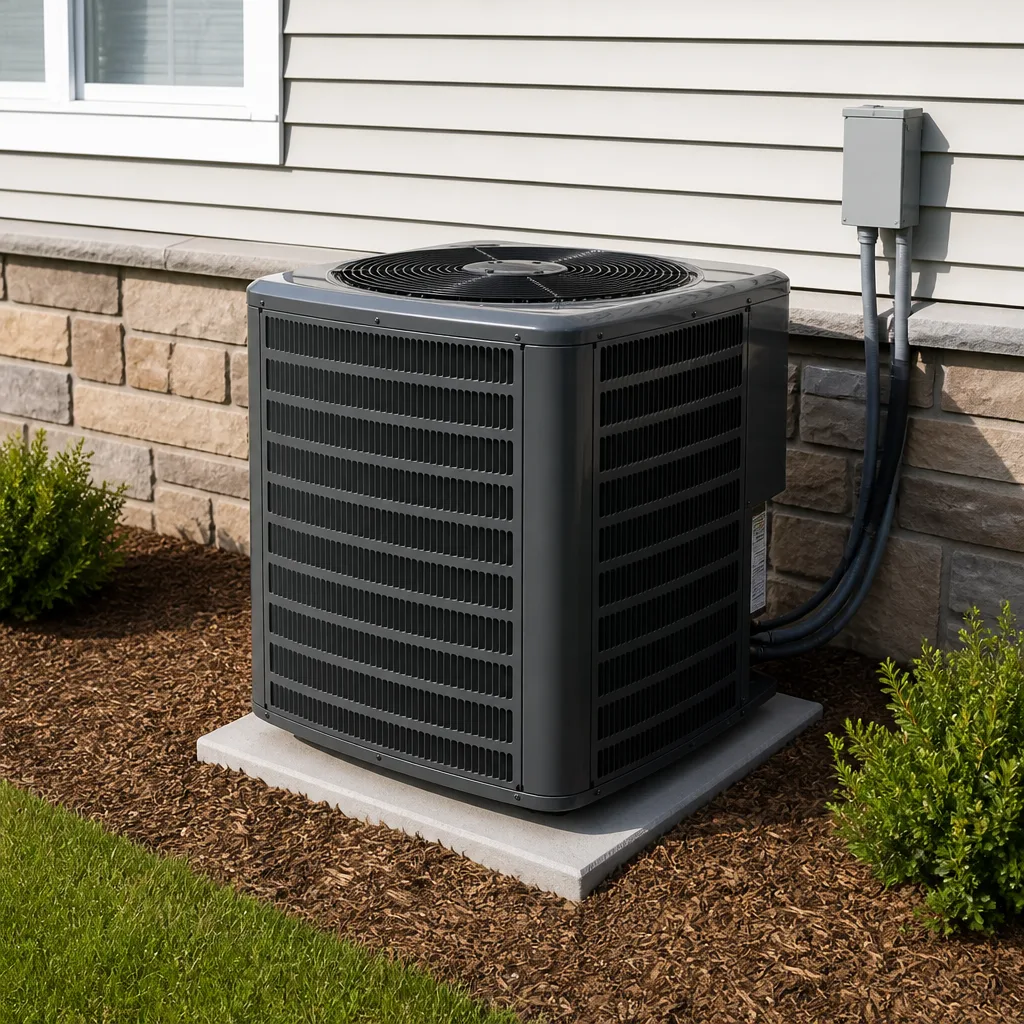 Goodman
Seasonal tune-up and full diagnostic on your Carrier, Trane, or Goodman system - readings shown to you before any repair is proposed
Diagnosis first, numbers second - you approve the repair price before a single part goes in.
Get your free estimateHow Long Does AC Repair Take? Timelines and What to Expect
In Enterprise in July, “we can get there in a few days” isn’t a scheduling inconvenience. It’s a heat exposure risk. When the desert sits at 108°F and your condenser quits, the clock that matters isn’t the dispatcher’s calendar. It’s how long your living room stays under 90°F with a toddler, a parent on oxygen, or a grandmother who lives alone. That’s the timeline this guide is built around: honest ranges for the eight most common AC repairs we see, what “parts on order” really means in the Las Vegas metro, and how to keep a household safe while you wait. We’ll also flag the moments when a slow repair stops being normal and starts being a warning sign.
Quick Answer
Most AC repairs take between 45 minutes and 3 hours on site once a technician arrives. A capacitor, contactor, or thermostat swap runs 45 to 90 minutes; a blower motor or fan motor replacement runs 2 to 3 hours; a compressor replacement runs 4 to 6 hours plus lead time to source the part. What stretches the total is diagnostics and parts availability, not the wrench work itself.
Styles & brands we work with
- AC repair
- Furnace & heating
- Heat pumps
- Ductless mini splits
- Carrier
- Trane
- Goodman
Table of Contents
- The 8 Most Common AC Repairs and How Long Each Takes
- What “Parts on Order” Actually Means for Your Timeline
- Heat Safety in Enterprise While You Wait
- How to Tell If a Repair Is Taking Too Long
- What a Good Company Communicates During a Long Repair
- Repair vs. Replace: When the Timeline Should Change Your Mind
- What AC Repair Costs in Enterprise
- How to Prepare Before the Technician Arrives
The 8 Most Common AC Repairs and How Long Each Takes
Across the homes we work on in Enterprise and the surrounding valley, the same handful of failures come up again and again. Here’s a realistic table, parts and labor included, based on the actual repairs our technicians complete.
Repair Timelines by Component
- Capacitor replacement: 45 to 60 minutes. The most common summer failure in Enterprise. A failing capacitor is why your compressor hums and won’t start.
- Contactor replacement: 45 to 60 minutes. The switch that sends power to the outdoor unit. Cheap part, fast swap.
- Thermostat replacement: 45 to 90 minutes. Longer if you’re moving to a smart thermostat and need to run a C-wire.
- Refrigerant recharge (with leak check): 1.5 to 3 hours. The recharge itself is quick. Finding and sealing the leak is what takes time. Refrigerant recharge means refilling the fluid that moves heat out of your home.
- Condenser fan motor replacement: 2 to 3 hours. Typically a stock part.
- Blower motor replacement: 2 to 3.5 hours. Usually indoors, sometimes in a tight attic or closet access.
- Evaporator coil replacement: 3 to 5 hours if the coil is in stock. Coils are often model-specific and may need 2 to 5 days to ship.
- Compressor replacement: 4 to 6 hours plus part lead time. The most labor-intensive repair on the list.
Those are the on-site hours. The number homeowners actually care about is total elapsed time from “my AC died” to “my house is cool again.” That’s where the next sections matter. If you’re comparing your options, our guide to AC Repair in Enterprise walks through what a service visit covers from start to finish.
What “Parts on Order” Actually Means for Your Timeline
“Parts on order” is the phrase that makes homeowners’ shoulders drop, and for good reason. It’s also the phrase most companies leave vague. Here’s the real breakdown for the Las Vegas metro.
Components that are almost always stocked locally and available the same day or next day:
- Capacitors, contactors, and relays
- Thermostats (standard and most smart models)
- Condenser and blower fan motors for the most common brands, including York, Daikin, and Bryant
- Filters, belts, and common fittings
Components that frequently require shipping in 2 to 5 business days:
- Evaporator coils, which are matched to specific model and tonnage
- Compressors, especially for older or less common units
- Control boards and variable-speed modules
- Parts for imported or discontinued equipment
Two things shift these timelines in Enterprise specifically. First, summer demand: when it’s 110°F across the valley, local distributors run low on high-turnover parts, and a “next-day” part can slip. Second, brand and age of the system: a Carrier or Trane unit from the last decade is easy to source. A 20-year-old unit with a discontinued board can take a week or more. Ask the technician, plainly, “Is this part in local stock, or is it shipping, and from where?” A straight answer tells you a lot about the company.
Heat Safety in Enterprise While You Wait
This is the section no scheduling app will give you. When your AC is down in an Enterprise July, your home becomes a heat box, and indoor temperatures can climb past 95°F within a few hours of losing cooling. Plan for it the way you’d plan for a power outage.
Priority steps for the first 24 hours
- Seal the coolest room. Pick the room with the fewest windows and best shade, close the door, cover windows with towels or cardboard, and gather the household there. This is your short-term refuge.
- Close off the rest of the house. Shut doors to west- and south-facing rooms that bake in the afternoon sun. Block the heat before it moves through the house.
- Hydrate on a schedule, not a feeling. Adults: aim for a glass of water every 30 to 45 minutes in heat. Children under 12: smaller, more frequent servings, roughly half a glass every 20 to 30 minutes. Older adults: thirst sensation fades with age, so set a timer rather than waiting to feel thirsty. Anyone with kidney or heart conditions should follow their doctor’s guidance first.
- Use wet cloths and fans. A damp towel on the neck and wrists, with a fan moving air across the skin, cools faster than a fan alone.
- Know the hotel threshold. If indoor temps stay above 90°F for more than a few hours, or anyone in the household is over 65, under 5, pregnant, or has a medical condition, book a hotel. A night’s stay costs far less than a heat illness. If you’re already seeing confusion, fainting, or stopped sweating, that’s an emergency: call 911.
We’d rather you ask for a repair window you can plan around than sit in a hot house guessing. Live people answer our phones 24 hours a day, so you can call at 10 p.m. and get a real answer about when a technician is coming.
How to Tell If a Repair Is Taking Too Long
Not every long repair is a bad sign. Compressor swaps take time. A technician hunting a slow refrigerant leak may need an hour for pressure testing. But there are patterns that should make you ask questions.
- Normal: The technician runs diagnostics, explains what they found, and presents a written price before starting work.
- Normal: A second visit is scheduled because the part isn’t stocked locally. That’s honest, not shady.
- Normal: A four-to-six hour compressor job with a clear start and expected finish.
- Warning sign: Repeated trips with no repair and no new diagnosis. Three visits and no cooling is a sign the technician is in over their head, or the wrong problem is being chased.
- Warning sign: Parts keep getting swapped with no testing. A good technician diagnoses before replacing. A “parts cannon” approach wastes your money and stretches the timeline.
- Warning sign: No written price before work begins. Every job we run starts with a written price the homeowner sees and agrees to, with no exceptions. If a company won’t put it in writing, that’s your signal to stop.
- Warning sign: Silence. Multi-hour or multi-day repairs require proactive updates. If you’re doing all the calling and no one is calling you, that’s a communication problem.
What a Good Company Communicates During a Long Repair
During a long repair, you shouldn’t have to wonder. Here’s what a reputable company tells you, and when.
What you should hear, and when
- Before arrival: The name and photo of the technician coming to your door, and a window for when they’ll arrive. We do this on every visit, backed by the Threshold Verified standard: every technician is background-checked and identity-verified. If anyone shows up who you weren’t told to expect, that visit is on us.
- At the door: A photo ID badge shown before the technician steps inside. You shouldn’t have to ask for it.
- After diagnosis: A plain-language explanation of what failed and a written price before any work begins.
- If a part must be ordered: The part name, where it’s shipping from, and a realistic arrival window, updated if it changes.
- On a multi-hour job: A heads-up if the technician needs to leave and return, and a fresh time estimate.
That last point is where silence becomes a red flag. A repair that’s running long isn’t a crisis. A repair running long with no word from the company is. It’s also why we include a written guarantee on every repair: our work is guaranteed for 365 days under the Done Right Promise, and if the repair fails, we return at no charge.
Repair vs. Replace: When the Timeline Should Change Your Mind
Sometimes the honest answer is that a repair will cost you more time and money than a replacement. The two rules of thumb we use:
- The $5,000 rule. Multiply your unit’s age by the cost of the repair. If the number is over $5,000, replacement usually wins. A 15-year-old unit facing a $500 compressor repair lands at $7,500, which points to replacement.
- The repeat-failure rule. Three or more repairs in two years, or a refrigerant leak that keeps returning, means the system is telling you something.
For an Enterprise homeowner facing a compressor wait of 4 to 5 days for a part, the math shifts again. Those days are heat-exposure days, not just inconvenience. If the repair is a coin flip on reliability, a planned replacement with a set install date may be the safer call. New system installs are scheduled around a load calculation and a written fixed price, not same-day, so plan the cooling gap accordingly. Our Furnace Repair in Enterprise guide covers the winter side of the same decision if you’re weighing both systems.
What AC Repair Costs in Enterprise
Here are realistic price ranges for the common repairs, parts and labor included. Exact cost depends on your system and what’s actually failing, but these ranges keep you from being surprised.
- Capacitor or contactor: $150 to $300
- Thermostat replacement: $150 to $400, depending on model
- Refrigerant recharge with leak check: $250 to $600
- Condenser or blower fan motor: $350 to $700
- Evaporator coil replacement: $900 to $1,800
- Compressor replacement: $1,200 to $2,500
These are on-site costs. Any part requiring shipping adds time, not necessarily money. A written price protects you here: it should state the repair, the part, and the total before the technician opens a panel. Keeping up with annual maintenance is the cheapest way to avoid a mid-July breakdown, and our AC Maintenance in Enterprise page explains what a tune-up includes and what it catches.
How to Prepare Before the Technician Arrives
- Clear access. Move furniture away from the indoor air handler and clear a 3-foot path to the outdoor condenser.
- Swap the filter. A clogged filter can mimic a bigger failure, and a fresh one helps the technician diagnose faster.
- Note the symptoms. Does the unit hum without starting? Blow warm air? Ice up? Your description shortens the diagnosis.
- Verify who’s coming. You should get a name and photo before arrival. Confirm the ID badge at the door before letting anyone in.
- Write down your questions. Ask about parts availability, expected timeline, and what the guarantee covers before the technician leaves.
Common Mistakes to Avoid
- Accepting “a few days” without an explanation. A multi-day wait should come with a reason: which part, which distributor, which shipping window. Vague timelines hide real problems.
- Letting anyone inside without a photo ID badge. In Enterprise, where homeowners are often alone during the day, a badge shown at the door should be standard, not a favor.
- Approving work with no written price. Verbal estimates are how bills balloon. Get the number in writing before the first wrench turns.
- Running the system on a failing part to “wait it out.” A weak capacitor today can take the compressor with it tomorrow, turning a 45-minute repair into a 6-hour one.
- Skipping the leak check on a recharge. Refilling refrigerant without finding the leak means you’ll be back here in a few months.
- Toughing out the heat alone. If anyone in the house is elderly, very young, or medically fragile, a hotel during a multi-day repair isn’t overreacting. It’s the safe call.
- Choosing a company on price alone with no vetting plan. A cheaper visit from an unverified technician isn’t a bargain when you’re the one opening the door.
See the difference
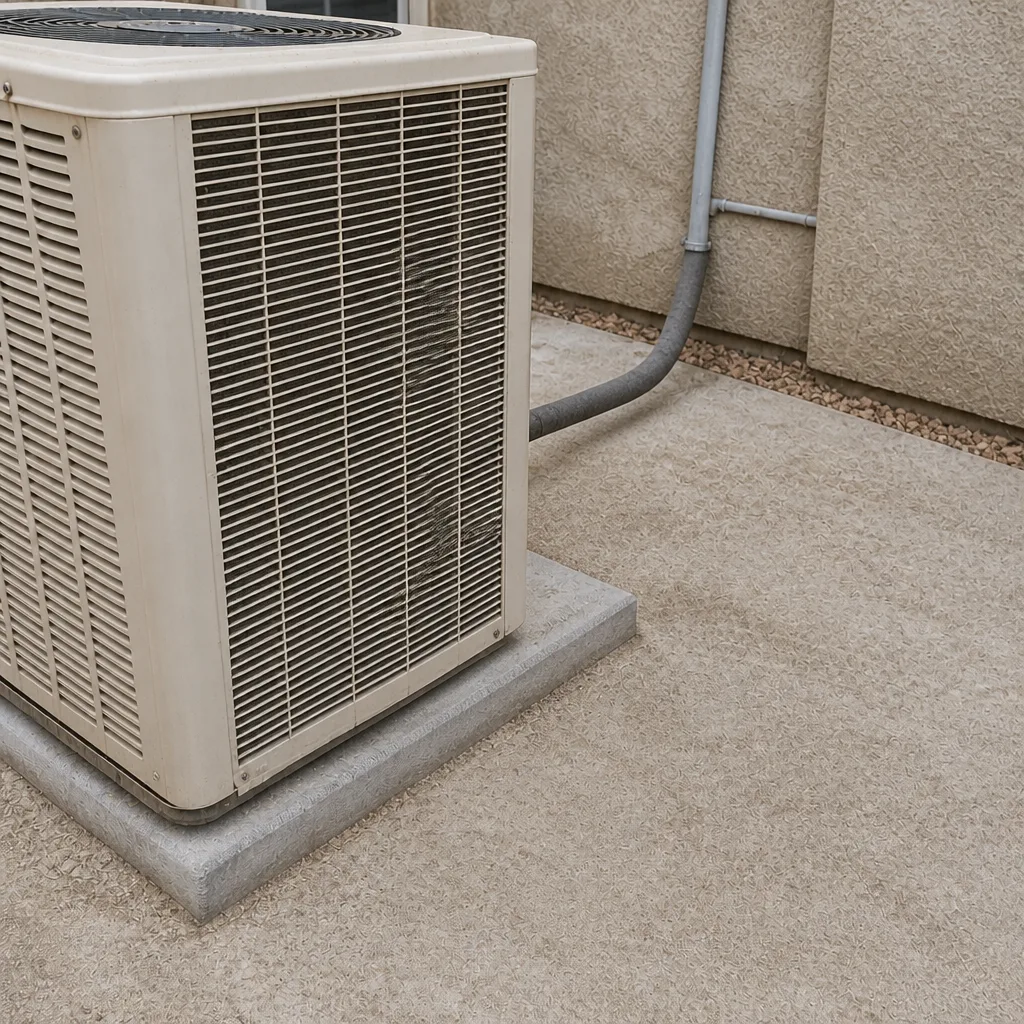
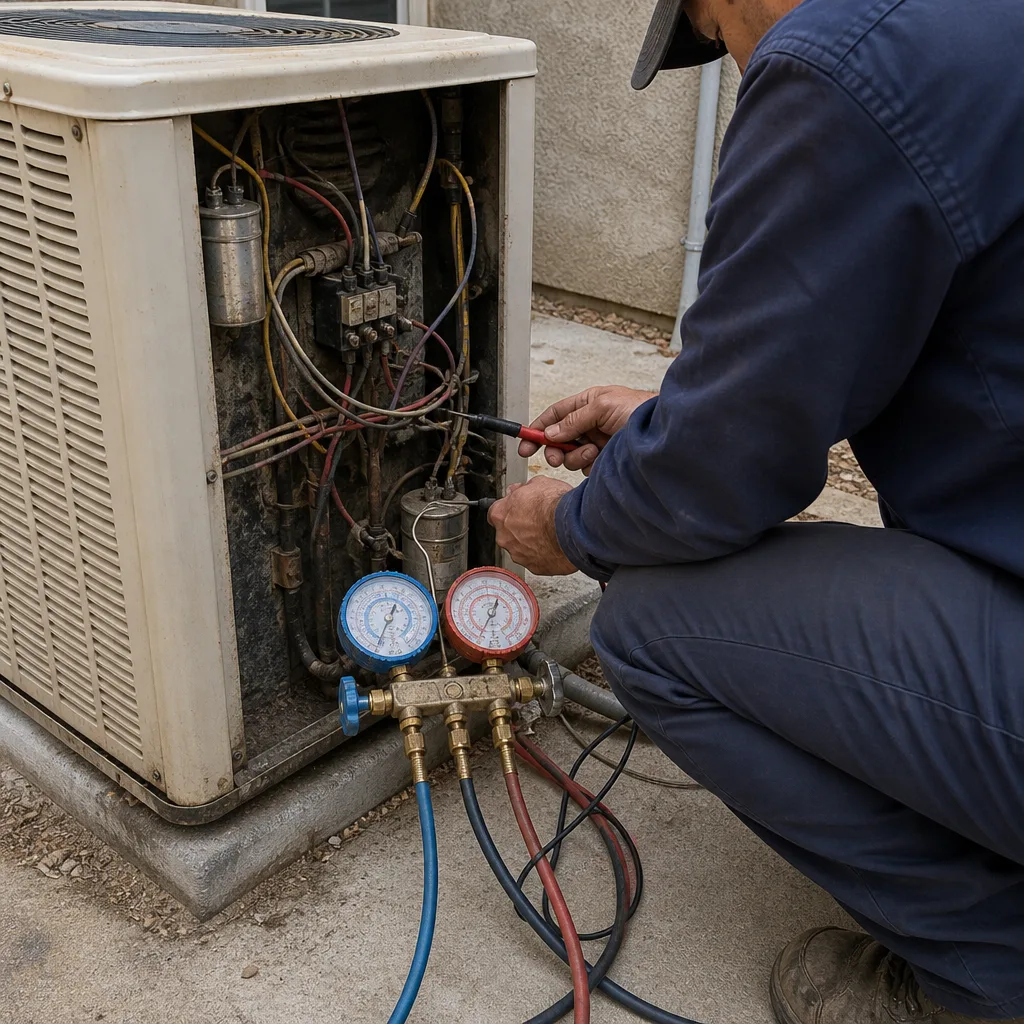 Before
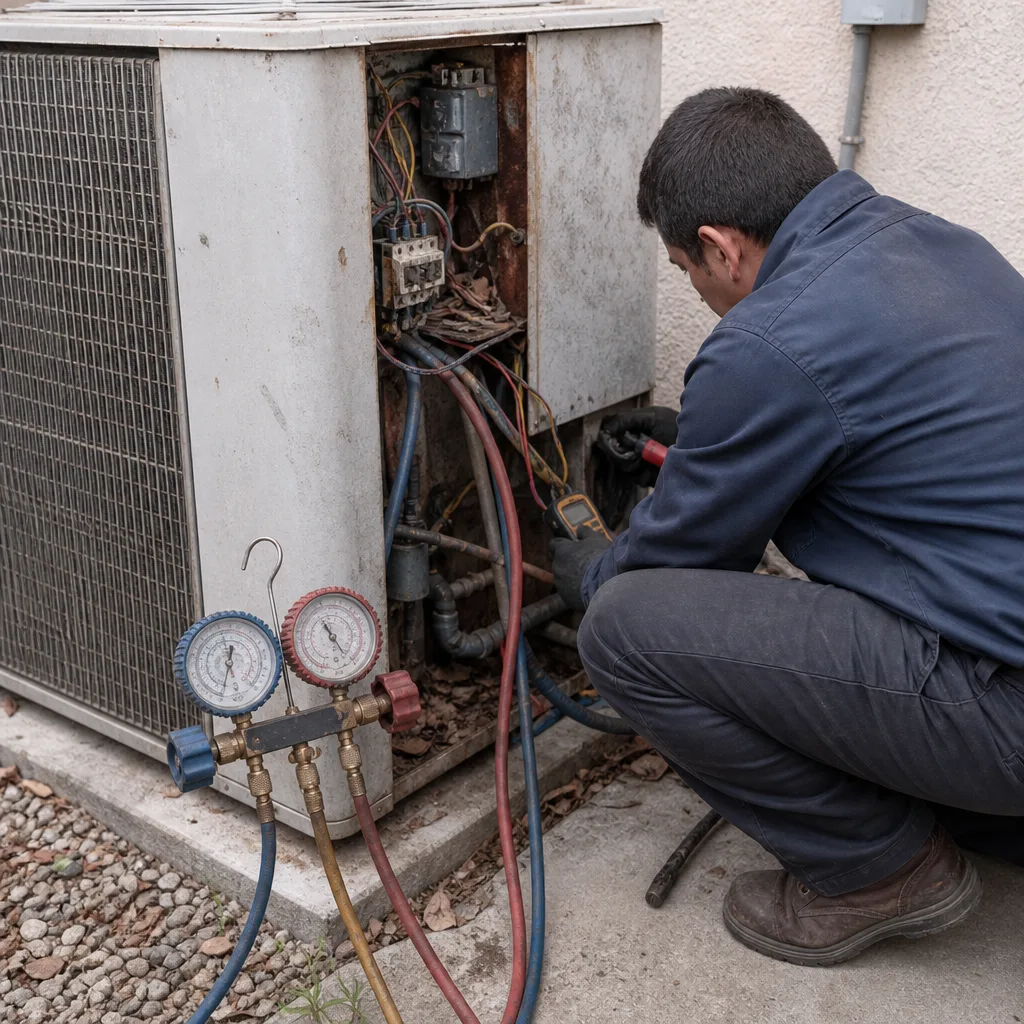
 After
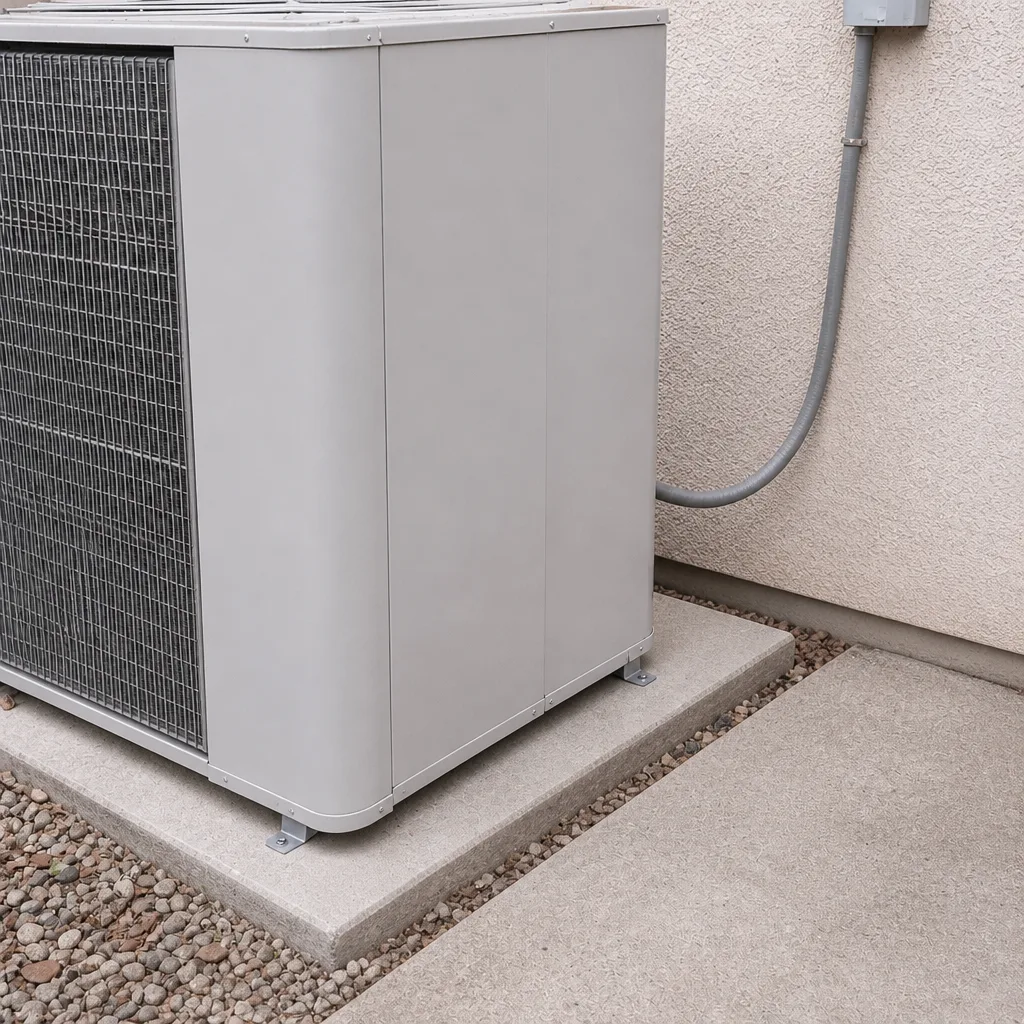
 Before
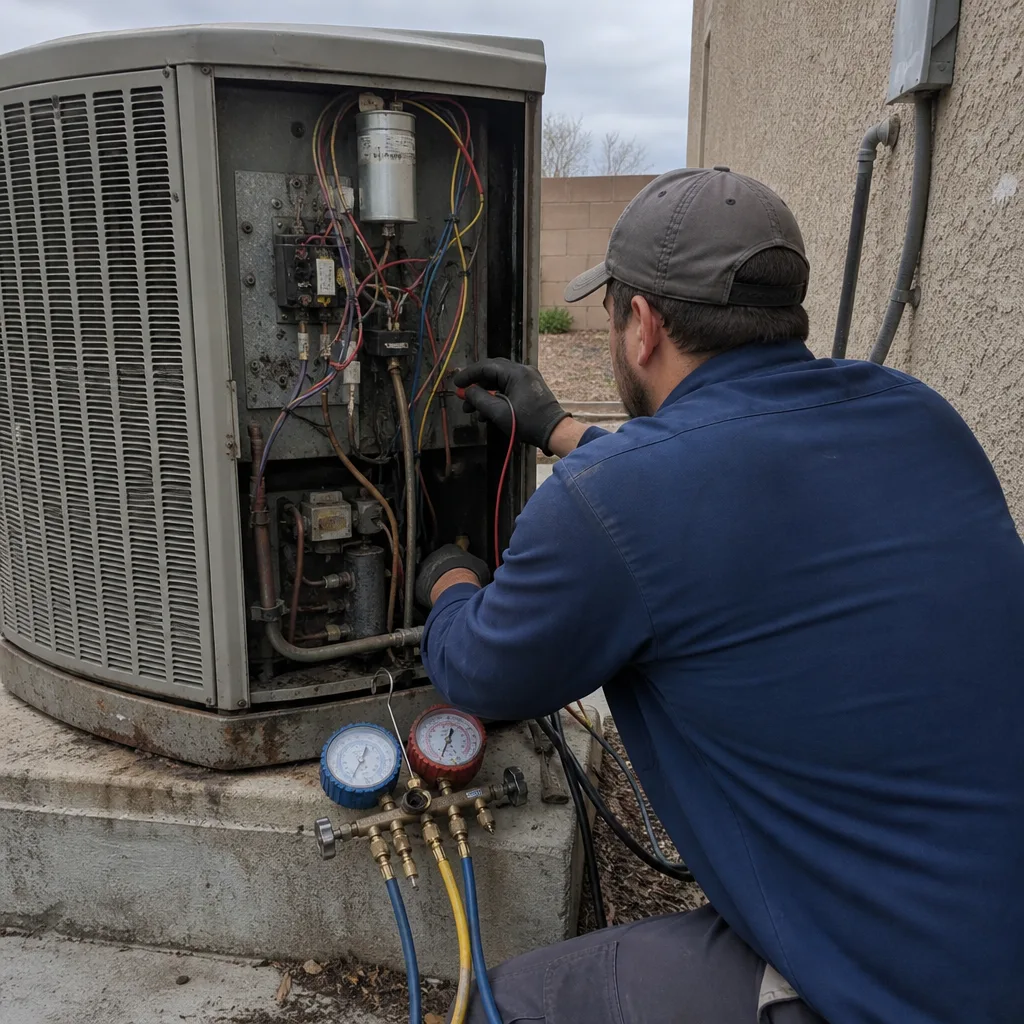
 After
 Before
 After
When to Call a Professional
Call a professional if your AC is blowing warm air, the outdoor unit hums but won’t start, you see ice on the refrigerant lines, or the system short-cycles. Call right away if the breaker trips repeatedly: refrigerant and high-voltage electrical components are not a DIY job, and a capacitor holds a charge even with the power off. If your home is already heating up and anyone in the household is over 65 or under 5, treat the call as urgent. Brandt HVAC Enterprise offers free estimates in Enterprise, live people answer the phone around the clock, and our technicians have up to 23 years of experience on systems from York to American Standard. Call (844) 797-9490.
Frequently Asked Questions
Most AC repairs in Enterprise take 45 minutes to 3 hours on site, with compressor replacements running 4 to 6 hours plus part lead time. Total elapsed time depends on whether the part is stocked locally or shipping in from a distributor.
Often, yes: capacitor, contactor, thermostat, and fan motor repairs are usually same-day when the part is in local stock. Coil and compressor jobs may need a scheduled return visit for the part to arrive. Call (844) 797-9490 and we’ll tell you straight what’s realistic for your system.
It means the part needs to ship, usually 2 to 5 business days in the Las Vegas metro. Common components like capacitors and motors are stocked locally; coils, compressors, and control boards are often model-specific and ship in.
Not always, and that’s the honest answer. If indoor temperatures stay above 90°F for hours, or anyone in the house is elderly, very young, pregnant, or medically fragile, move to a hotel until the repair is done. Watch for confusion, fainting, or stopped sweating, and call 911 if you see them.
If the factory-age-times-repair-cost figure tops $5,000, or the same unit has failed three or more times in two years, replacement usually wins. A planned replacement comes with a written fixed price and a set install date, so you can plan the cooling gap.
You should get the technician’s name and photo before every visit, and a photo ID badge shown at the door. Brandt HVAC Enterprise verifies every technician under the Threshold Verified standard; if anyone arrives who you weren’t told to expect, that visit is on us.
The Bottom Line
Most AC repairs finish in under three hours on site. The variable that actually matters in Enterprise is total time, and that comes down to parts availability and a company that keeps you informed. Ask three questions of any company: is the part in local stock, what’s the realistic window, and is the price written down before work starts. Keep a heat plan ready for the wait, and don’t accept silence. A repair that runs long isn’t a red flag, but a repair you can’t get an answer about is. For an honest timeline and a written price before anything starts, call Brandt HVAC Enterprise at (844) 797-9490. Free estimates, live people on the line, and a guarantee in writing on every repair. Learn more on our Brandt HVAC Enterprise home page.
Written by the team at Brandt HVAC Enterprise.