
Last updated November 17, 2026
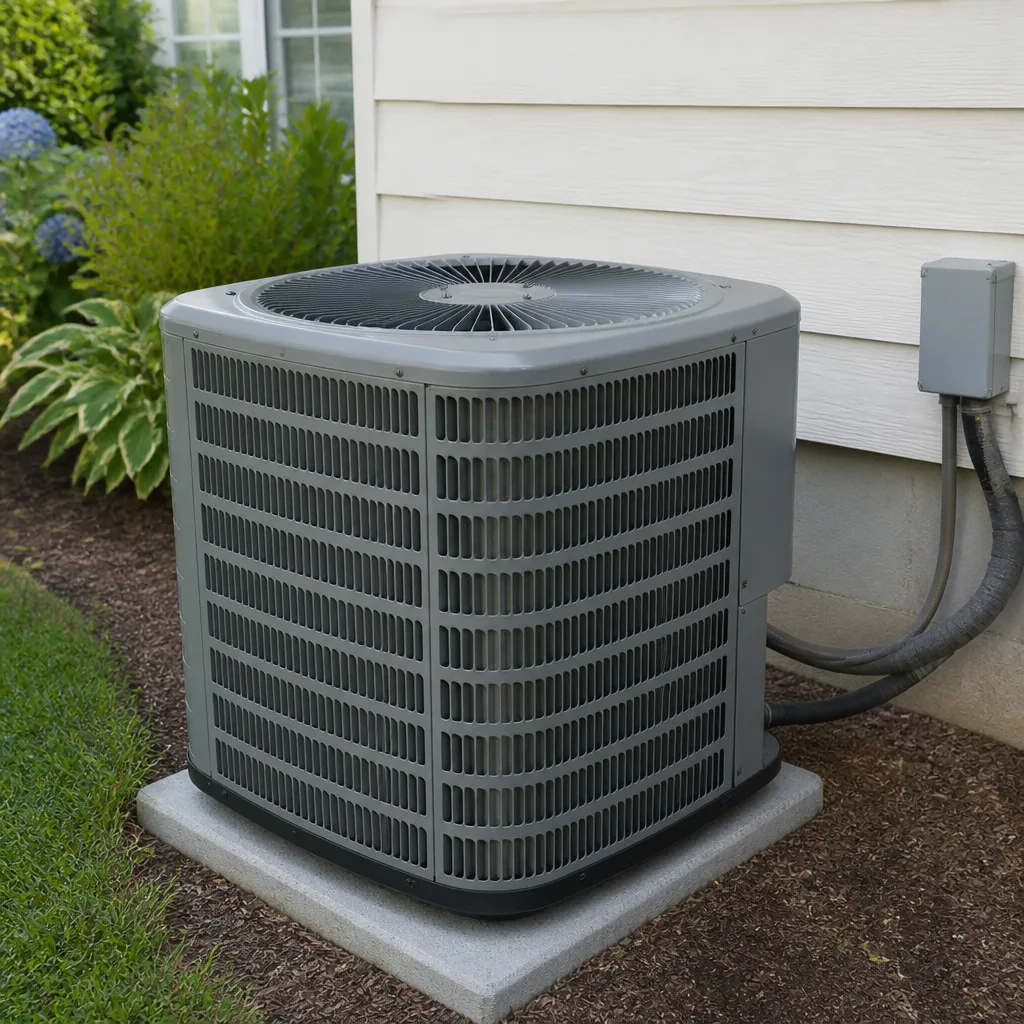 AC repair
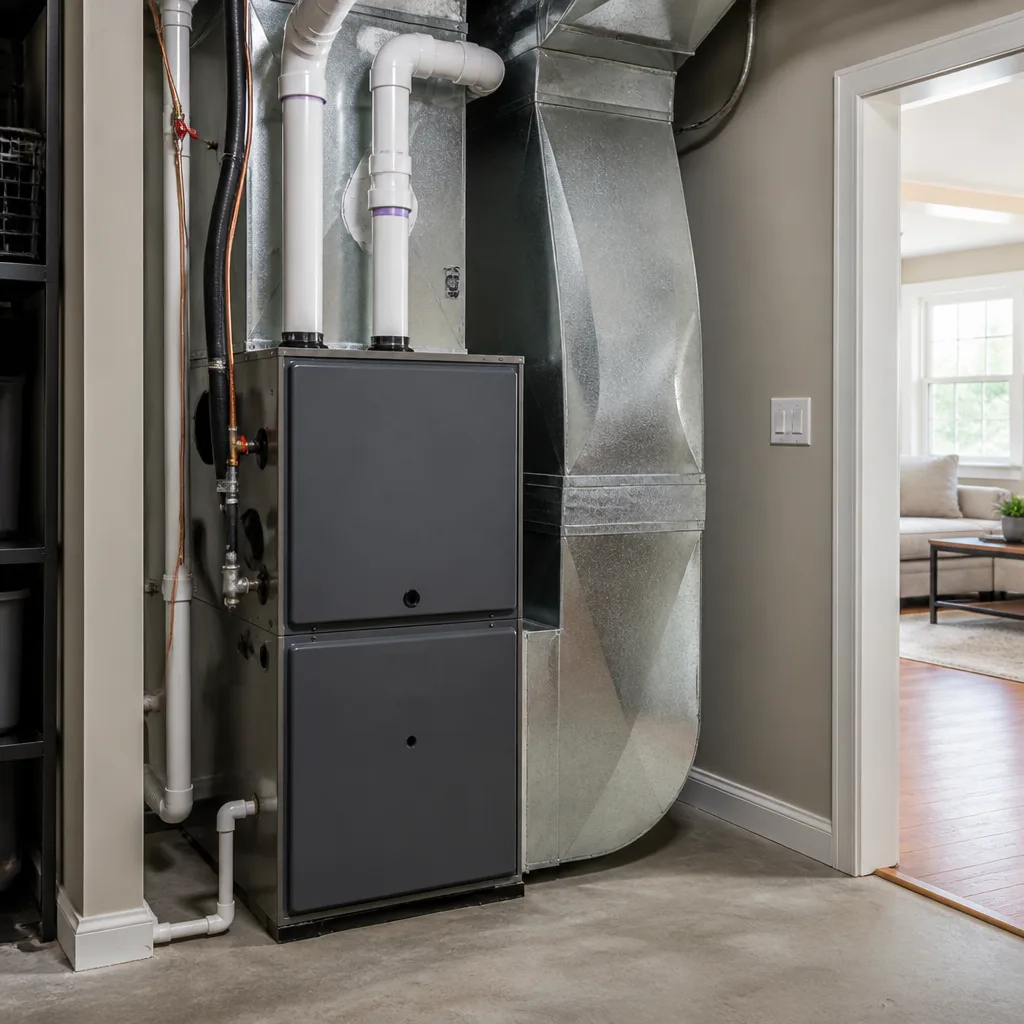 Furnace & heating
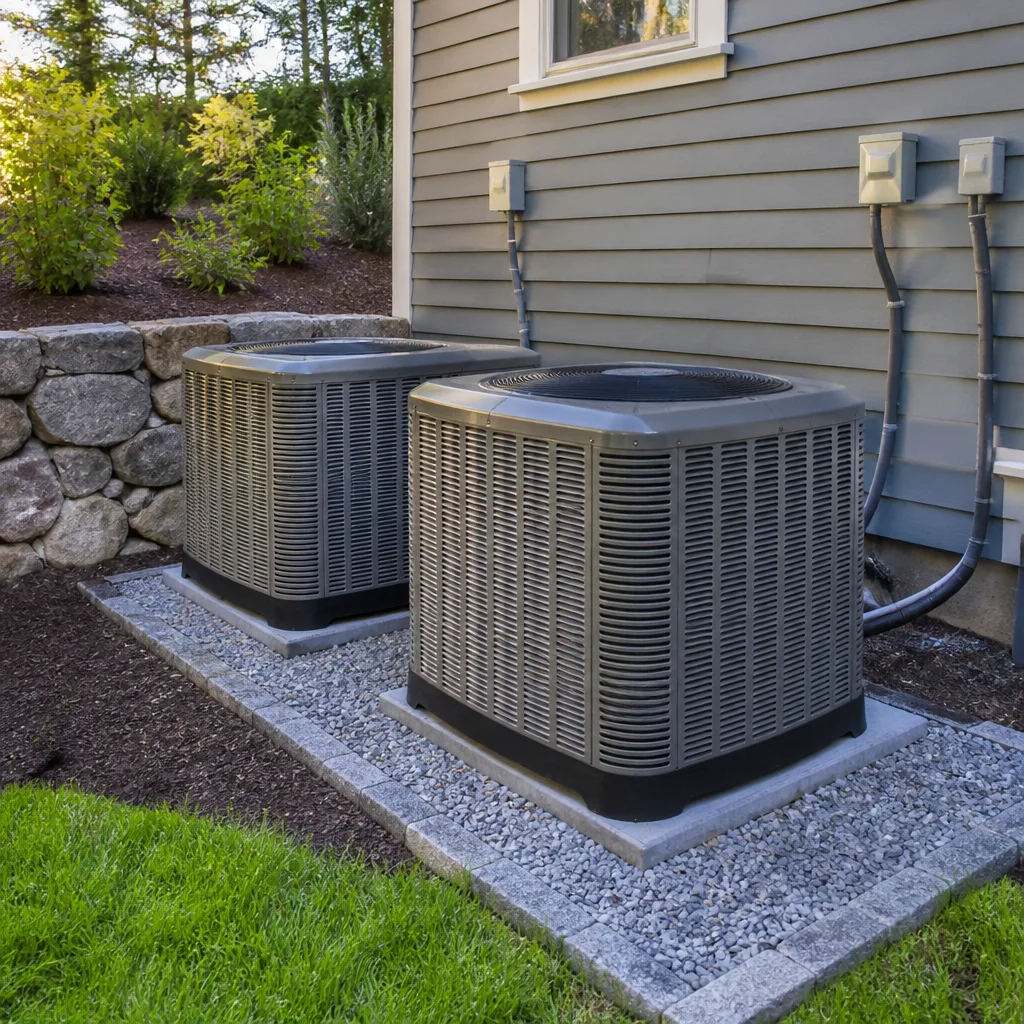 Heat pumps
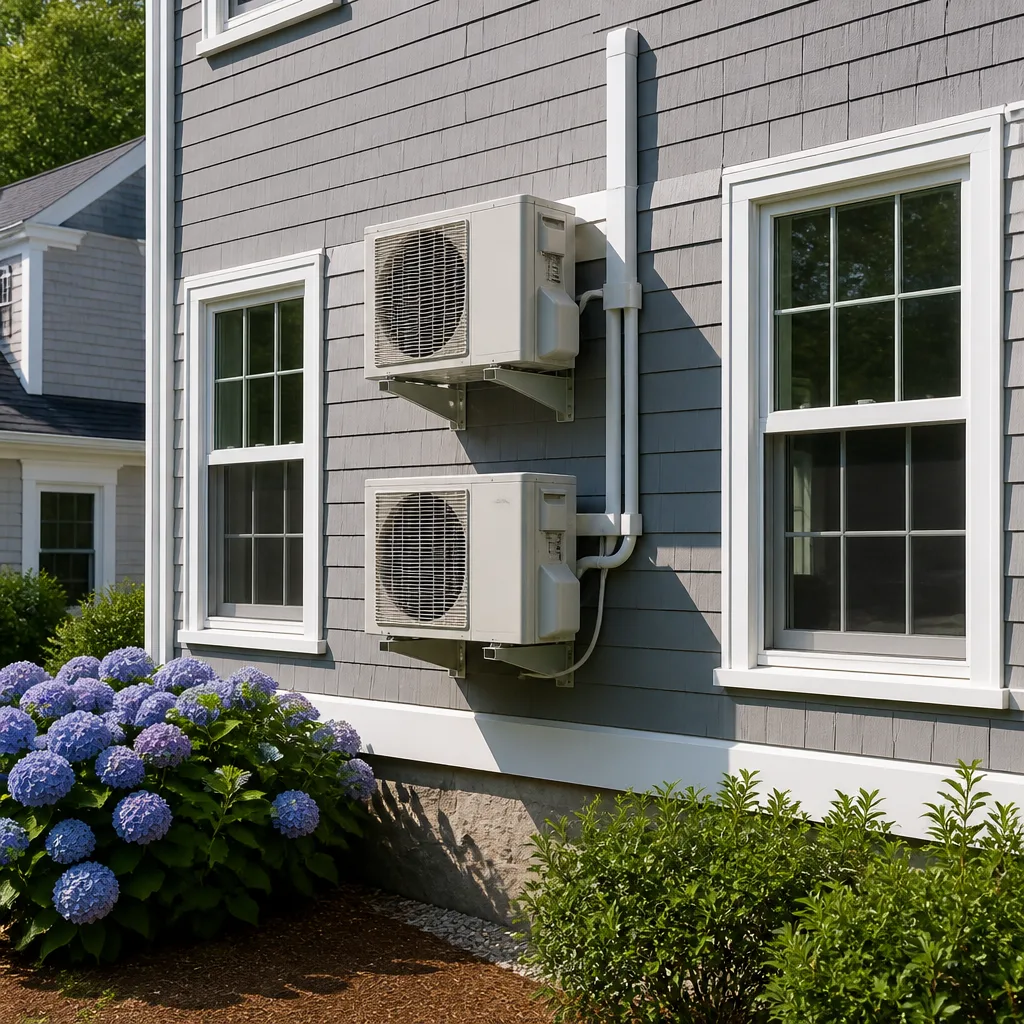 Ductless mini splits
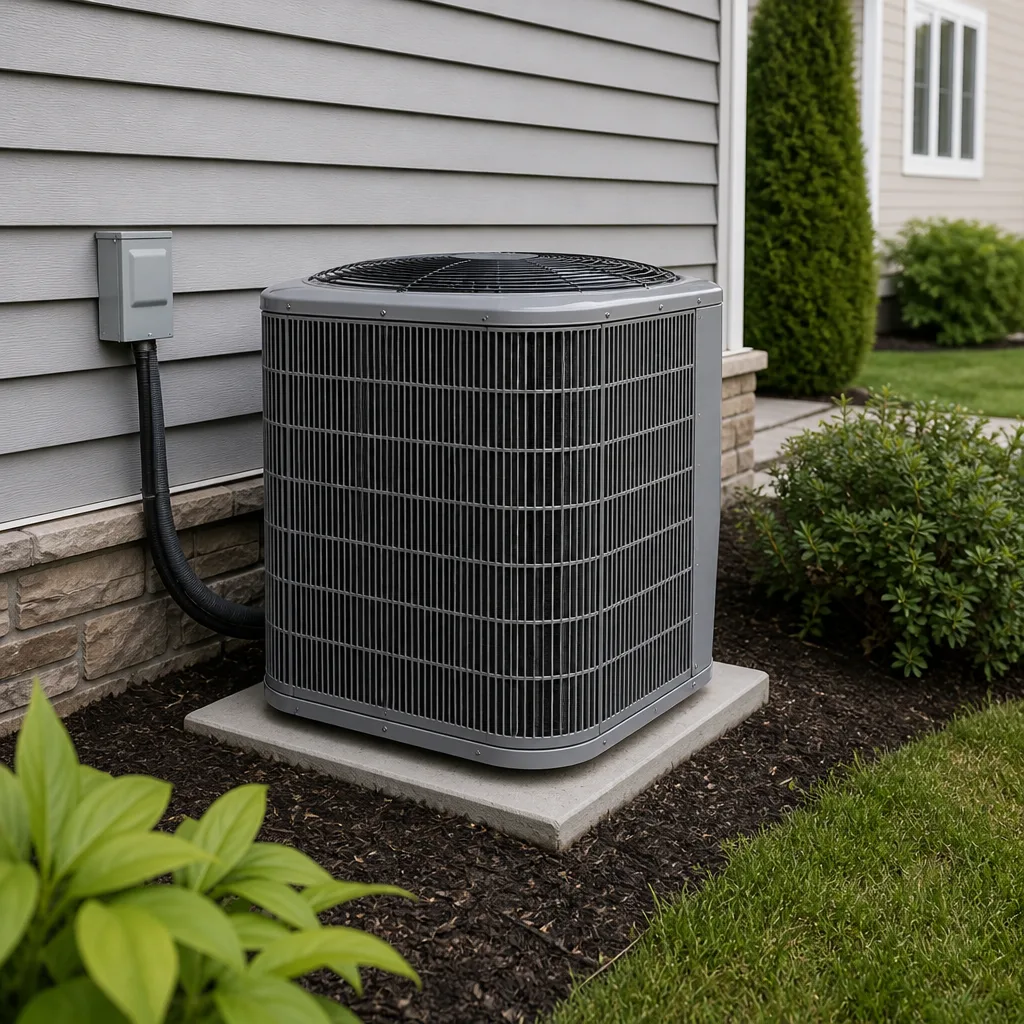 Carrier
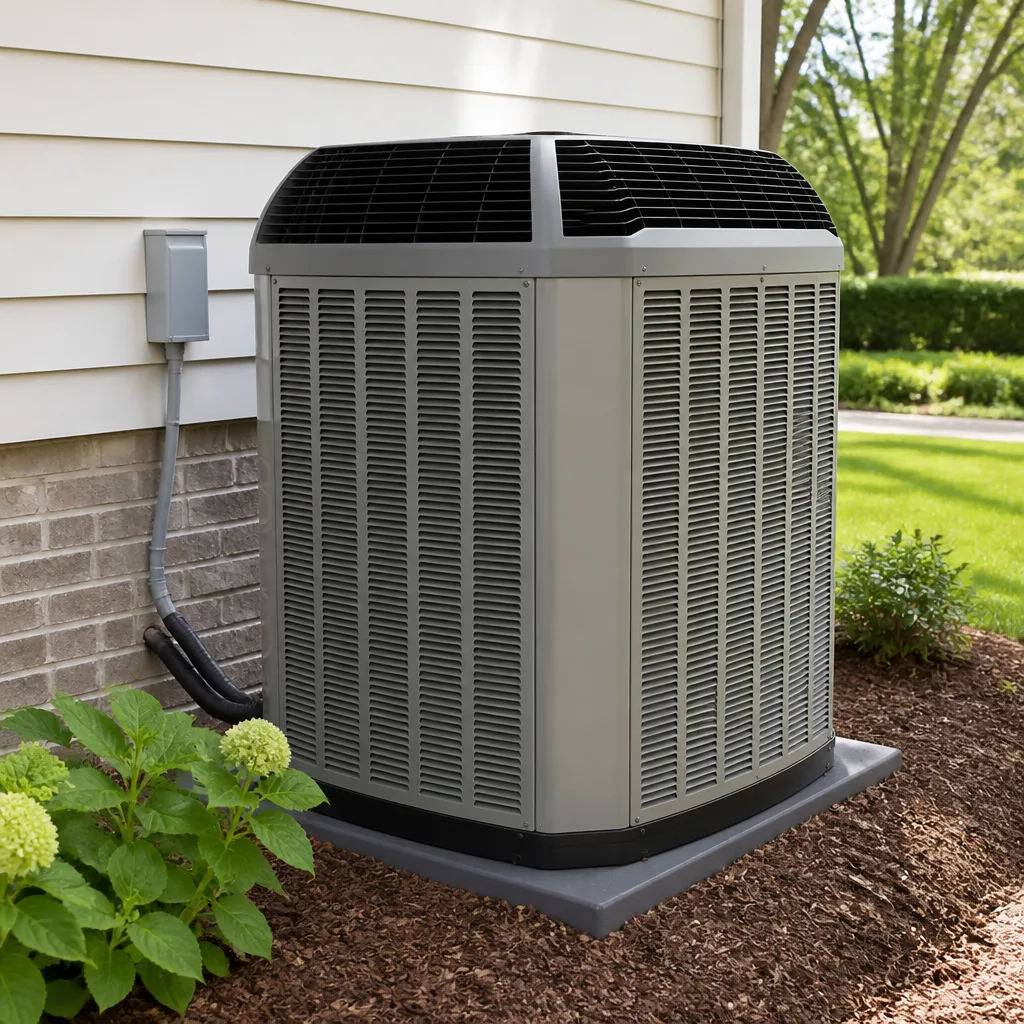 Trane
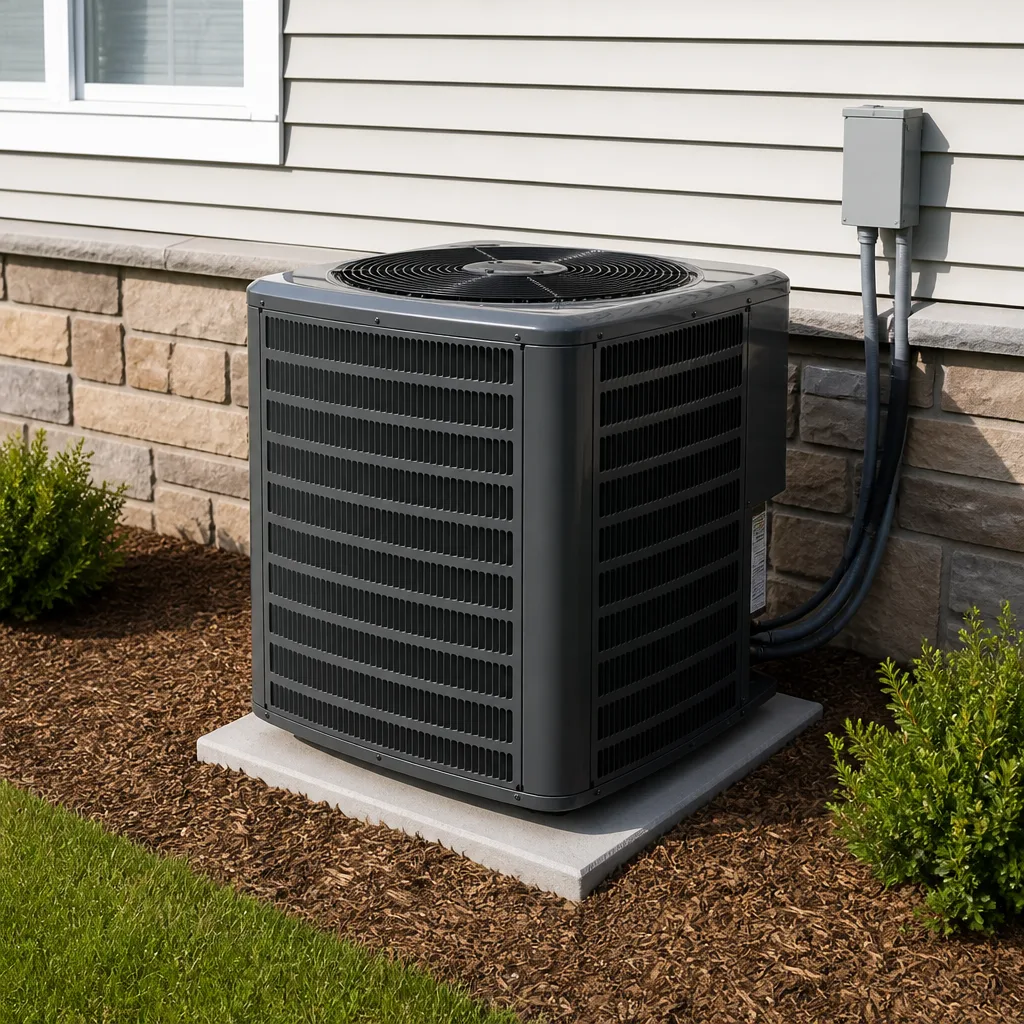 Goodman
Seasonal tune-up and full diagnostic on your Carrier, Trane, or Goodman system - readings shown to you before any repair is proposed
Diagnosis first, numbers second - you approve the repair price before a single part goes in.
Get your free estimateHVAC Warning Signs: An Enterprise Homeowner’s Reference Guide
A refrigerant-starved compressor running in 115°F heat can fail for good within hours. The warning that it’s starving is usually a faint hiss near the indoor air handler, and most homeowners walk past it for weeks because nothing has stopped working yet. That gap between “odd” and “broken” is where equipment gets destroyed. This guide maps the signals we see across Enterprise into three tiers: what to monitor, what to schedule within a week, and what means shut the system down and call today. You’ll also learn how to read your own thermostat for a capacity drop before you feel it, and the one logging habit that keeps any honest technician from guessing.
Quick Answer
HVAC warning signs fall into three tiers. Green signs (faint airflow changes, minor thermostat wobble) mean monitor and log. Yellow signs (short cycling in afternoon heat, weak cooling on one side of the house, rising electric bills) mean schedule service within a week. Red signs (burning plastic smell, loud metallic grinding, ice on the outdoor unit while it’s running, repeated breaker trips) mean turn the system off at the thermostat and call the same day. In Enterprise, the yellow tier matters more than most national guides admit, because desert heat turns small faults into permanent compressor failure fast.
Styles & brands we work with
- AC repair
- Furnace & heating
- Heat pumps
- Ductless mini splits
- Carrier
- Trane
- Goodman
Table of Contents
- The Three-Tier Warning System: Green, Yellow, Red
- Heat-Specific Failure Signatures You Won’t Find in National Guides
- What Each Smell Tells You, and Which Ones Mean Shut It Off
- Reading Your Own Thermostat: The Temperature Differential Test
- Sounds Mapped to Components: Hiss, Grind, Chatter, Clunk
- The Documentation Habit That Saves Money on Every Repair
- Furnace Warning Signs That Matter in Shoulder Season
- Common Mistakes to Avoid
The Three-Tier Warning System: Green, Yellow, Red
Most guides give you a flat list of symptoms with no priority. That’s the wrong shape for a desert climate, where the difference between a $200 repair and a $2,400 compressor replacement can be a single afternoon. Sort every symptom you notice into one of three tiers before you decide what to do.
Green: log it and keep watching
- Airflow feels slightly softer than last summer, but rooms still reach setpoint.
- The outdoor fan runs a bit longer than it used to before shutting off.
- Minor thermostat temperature swing (one to two degrees above setpoint before the system catches up).
- One room is consistently a degree or two warmer in late afternoon.
Yellow: schedule service within a week
- Short cycling: the system turns on and off every few minutes during peak afternoon heat.
- Cooling capacity noticeably weaker between 2 p.m. and 6 p.m. than in the morning.
- Electric bill up 15% or more over the same month last year with no usage change.
- Faint hiss near the indoor air handler, or a bubbling sound in the refrigerant lines.
- Condensation or water pooling near the indoor unit.
Red: shut it off and call now
- Any burning smell, hot plastic smell, or smell of scorched wiring.
- Loud metallic grinding, screeching, or repeated hard clunks from the outdoor unit.
- Ice on the outdoor unit’s copper lines or coil while the system is running in heat.
- The breaker trips more than once, or the system won’t restart after tripping.
- Any visible sparking, smoke, or scorch marks near the air handler or disconnect box.
If you land in red, do not reset the breaker and try again. Call (844) 797-9490. Our phones are answered by a live person 24 hours a day, and a technician is background-checked and identity-verified before we send them to a home in Enterprise.
Heat-Specific Failure Signatures You Won’t Find in National Guides
National HVAC guides are written for climates where a hot day is 92°F. Enterprise runs far hotter for longer stretches, and the failure patterns look different. Three specific signatures show up here that generic guides skip entirely.
1. Short cycling from high-pressure cutout trips
Every AC has a high-pressure safety switch that shuts the compressor down when the refrigerant pressure climbs too far. In a hot climate, a slightly dirty condenser coil or a weak condenser fan motor raises head pressure fast, and the switch trips. The result is the system running for two minutes, shutting off, then restarting a few minutes later. Homeowners read this as the system “catching its breath.” What’s actually happening is the compressor getting shocked on every restart. Our technicians have up to 23 years of experience, and we’ve seen more compressors killed by repeated high-pressure trips than by any other single cause in desert heat.
2. Compressor thermal overload shutoffs
Compressors have an internal thermal protector that kills power when the motor gets too hot. In a properly charged system on a mild day, that protector never trips. In a hot climate with low refrigerant or restricted airflow, it trips regularly and resets on its own. That’s why the failure looks invisible: the system runs again an hour later, so nothing seems wrong. The tip-off is that it fails only during the hottest part of the day and runs fine in the morning.
3. TXV flooding under extreme load
The thermal expansion valve (TXV) regulates how much refrigerant enters the indoor coil. Under extreme outdoor load, a sticking or misadjusted TXV can flood the coil with liquid refrigerant, which cools poorly and can slug the compressor. Symptoms are weak cooling combined with a hiss or gurgle at the indoor unit. Goodman, Rheem, York, and Daikin systems all use TXVs, and this is one of the most common summer faults our technicians diagnose across Enterprise.
What Each Smell Tells You, and Which Ones Mean Shut It Off
Smells are the most misunderstood warning sign. Each one points to a completely different component, and the urgency ranges from “clean the drain pan” to “shut it off right now.” Sort the smell before you act.
| Smell | Likely Source | Action |
|---|---|---|
| Burning plastic, hot electronics, or scorched wiring | Blower motor, control board, capacitor, or wiring harness overheating | Shut off and call now – fire risk |
| Musty, damp, or “old basement” | Standing water in the drain pan, mold in the ductwork, or a clogged condensate line | Schedule within a week – not a fire risk, but mold spreads |
| Rotten eggs or sulfur | If you have a gas furnace, possible gas leak | Leave the house and call the gas utility first, then us |
| Smoky or “hot dust” at first startup | Dust burning off the heat exchanger after a season off | Usually normal for a few minutes – if it persists, shut off and call |
| Sweet, chemical, or refrigerant-like | Possible refrigerant leak | Open windows, evacuate the immediate area, call now |
The rotten-egg case deserves its own paragraph. Gas leaks aren’t an HVAC repair – they’re a safety emergency. Leave the house, call your gas utility from outside, and only then call us at (844) 797-9490 to inspect the furnace. In Enterprise, we occasionally see sulfur smells from poorly vented water heaters as well, so don’t assume the furnace is the cause until it’s checked.
For the burning plastic case: don’t reset the breaker. Don’t wait to see if it clears. A blower motor or control board that’s overheating is one of the more common causes of house fires tied to HVAC equipment, and a few minutes of caution is worth far more than the cost of a service call.
Reading Your Own Thermostat: The Temperature Differential Test
You can measure whether your system is losing cooling capacity before you feel it in the rooms. The tool is a simple thermometer or an infrared temperature gun, and the test takes ten minutes. This is the same measurement a technician starts with on any diagnostic visit.
- Let the system run for at least 15 minutes so it’s settled into a steady state.
- Hold a thermometer in the return air stream – the air going into the system – at the main return grille. Note the number.
- Hold the same thermometer in the supply air stream, at a supply register closest to the air handler. Note the number.
- Subtract the supply number from the return number. That’s your temperature differential.
A healthy AC in a desert climate typically delivers a return-to-supply differential in the range of 16°F to 22°F. If your differential is under 14°F, cooling capacity has dropped, even if the rooms still feel tolerable. Common causes are a low refrigerant charge, restricted airflow (dirty filter, closed dampers, crushed duct), or a failing TXV. If your differential is over 24°F, you may have restricted airflow that’s choking the coil – also a problem, and one that can freeze the indoor coil if you keep running it.
Run this test once in early summer and once in late summer. When you log both numbers with the date, you have a story. If you’re comparing numbers and want a second opinion, AC repair in Enterprise starts with a written price before any work starts.
Sounds Mapped to Components: Hiss, Grind, Chatter, Clunk
Sound is the highest-signal diagnostic input a homeowner has, and almost nobody uses it well because no one tells them what each sound means. Here’s the plain-language map we walk every customer through.
- Hiss near the indoor air handler or refrigerant lines: often a refrigerant leak or a TXV issue. Yellow tier unless it’s paired with no cooling at all, then red.
- Gurgling, bubbling, or a “boiling” sound at the outdoor unit: refrigerant moving where it shouldn’t, or a TXV flooding under load. Yellow tier.
- Metallic grinding or screeching at the outdoor unit: a failing fan motor bearing or contactor chatter. Red tier – grinding can seize the fan and boost head pressure.
- Repeated hard clunks every few minutes during a cycle: the compressor cycling on a safety trip. Yellow, or red if it’s also tripping the breaker.
- Rattling chirp from the furnace’s draft inducer: worn bearings. Yellow tier, and don’t ignore it into heating season.
- Loud bang at startup: could be a hard-starting compressor or a loose duct panel popping. Red tier – a compressor that’s banging may be on its last cycle.
Sound matters most for the furnace side of the house. When you hear a rattle in November and shelve it, you’re often setting up a no-heat call in January. If that happens, furnace repair in Enterprise starts with the same live answered call at any hour, and the same written price before a wrench moves.
The Documentation Habit That Saves Money on Every Repair
An honest technician and a pushy one have the same information to work from: what you tell them. The habit that separates a clean repair quote from a pitched upsell is logging symptoms with dates. You don’t need a fancy app. A note on your phone works.
Log four things every time something looks off:
- The date and time of day. “Tuesday afternoon, 3 p.m.” tells a technician more than “sometimes” ever will.
- What the outdoor temperature was. A symptom that only appears above 105°F points at pressure or thermal issues, not charge level.
- What you heard, smelled, or measured. A number from the thermostat or your temperature differential test is worth ten adjectives.
- Whether it cleared on its own and how long that took. Short cycling looks completely different from a fault that resets after ten minutes.
When you hand that log to a technician, three things happen. They trust your description, because you’ve shown you’re paying attention. They diagnose faster, because they can reproduce the fault instead of hunting for it. And they quote to the actual symptom instead of a worst-case guess. That faster, cleaner diagnosis is one of the reasons we include a written price before any work starts, on every job, and a written guarantee after every repair – our 365-Day Done Right Promise covers a free return visit if the repair fails, and we state exactly what the repair covers and for how long on the written guarantee.
Routine maintenance is the other half of the habit. Scheduling an AC maintenance in Enterprise visit before summer catches what your log shows. Regular tune-ups in Enterprise matter more than in cooler climates, because a system running at full load for months on end has less margin for a dirty coil.
Furnace Warning Signs That Matter in Shoulder Season
Most furnace problems announce themselves in October or November, not deep winter. Enterprise homeowners who use gas furnaces tend to fire the system up for the first genuinely cold morning and are surprised by what they find. Watch for five specific signs during shoulder season.
- A yellow or orange burner flame instead of blue. This can mean incomplete combustion, and it’s a red-tier flag. Shut it off and call – carbon monoxide is a real risk here.
- Short cycling on heating (the furnace reaches temperature quickly, then shuts off and won’t restart for a while). Often a dirty filter or a high-limit trip.
- Weak or uneven heat across rooms. Usually a duct or airflow issue, not a furnace failure.
- A musty smell when the heat first runs. Dust burning off, or – in an older system – a sign of moisture in the ducts. Schedule a visit before it becomes a winter surprise.
- Any clicking that goes on for more than 30 seconds without igniting. A failing igniter. Most furnace igniter replacements run $150 – $300, parts and labor included, and we state the figure in writing before we start.
Our name comes from an old word for a firebrand. It’s a fitting name for the work of keeping a home warm, and it’s why we take signs of combustion trouble seriously enough to tell you to shut the system off and call before you run it “just once more.”
Common Mistakes to Avoid
- Resetting the breaker on a red-tier symptom. If the breaker tripped once and cleared, fine. If it trips again, the system is telling you a component has failed. Reset it twice and you may have a small repair bill turning into a compressor replacement.
- Running the AC with ice on the outdoor unit. Ice on the lines in the middle of a hot Enterprise afternoon means the system is starving. Keeping it running starves the compressor further, and that’s how you turn a $250 repair into a $2,400 one.
- Masking a musty smell with a plug-in air freshener. A musty smell is a moisture signature. In a monsoon-season air handler, that means water where water doesn’t belong, and mold can colonize ductwork within weeks. Fix the source, not the smell.
- Skipping the temperature differential test because the rooms “feel fine.” By the time rooms feel wrong, the system has usually been degrading for weeks. A ten-minute test in June catches problems a homeowner’s nose never will.
- Letting a technician in without a name and photo. A legitimate HVAC company can tell you who’s arriving, when, and show ID at the door. If someone shows up unannounced, you’re allowed to say no – and you should.
- Waiting until the first 110°F week to schedule maintenance. Every HVAC company in Enterprise is booked solid in that window. Spring tune-ups cost less and catch faults while the calendar can absorb them.
- Trusting a verbal quote. The price you hear should be the price you get, in writing, before any work starts. If it’s not in writing, it’s not the price.
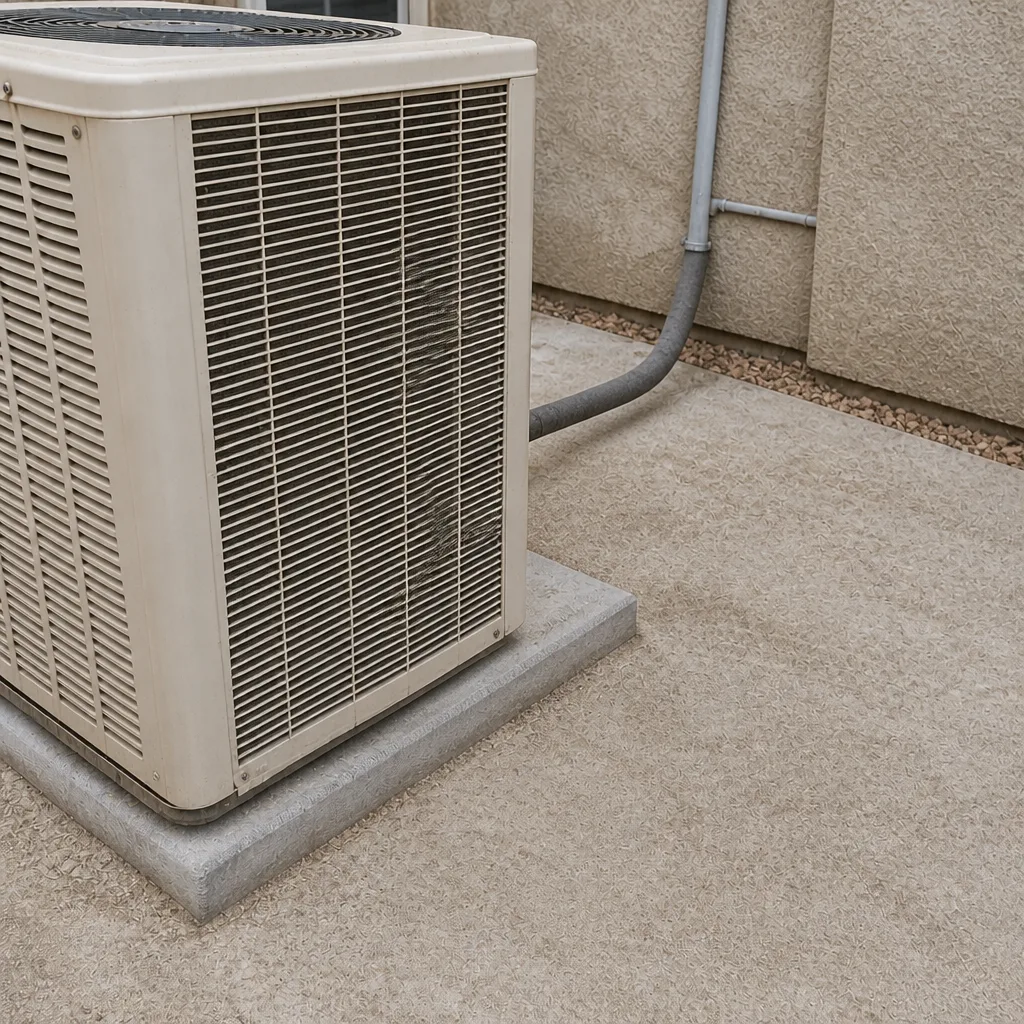
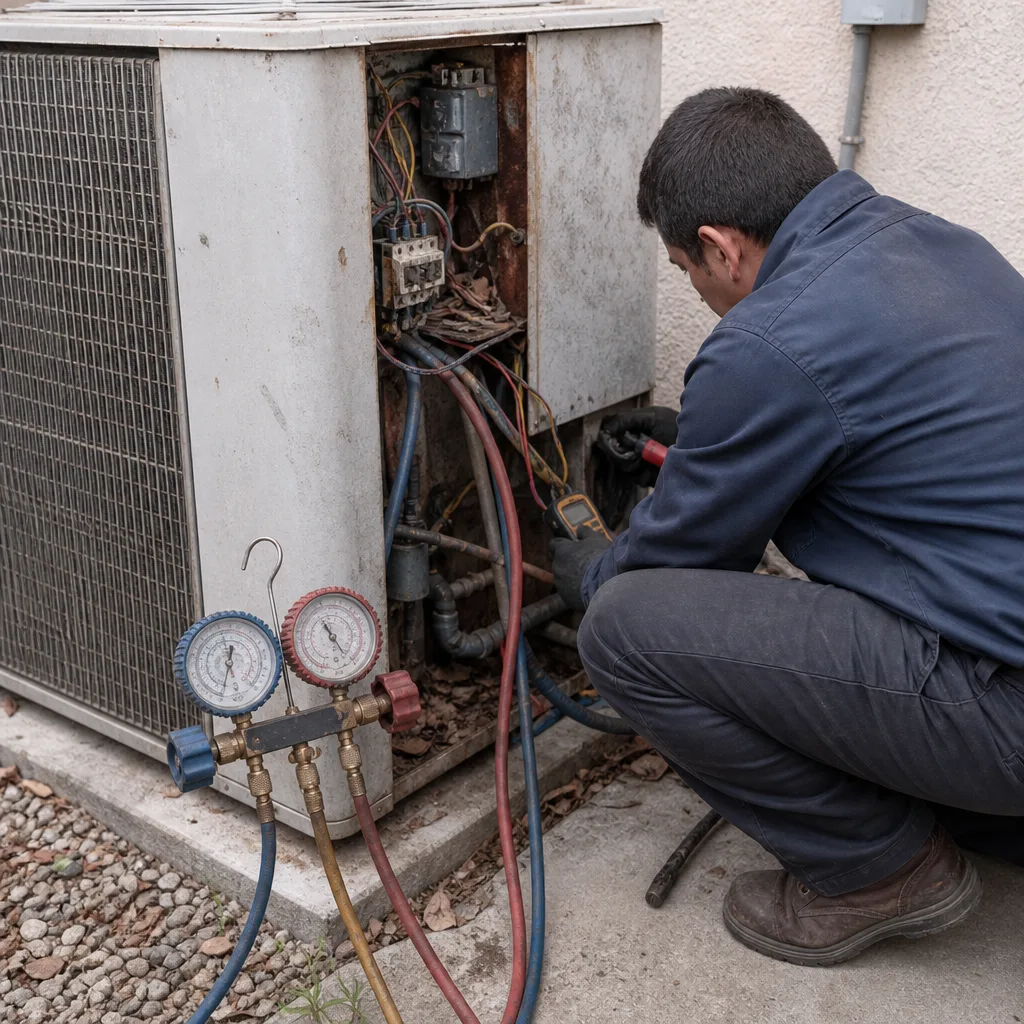
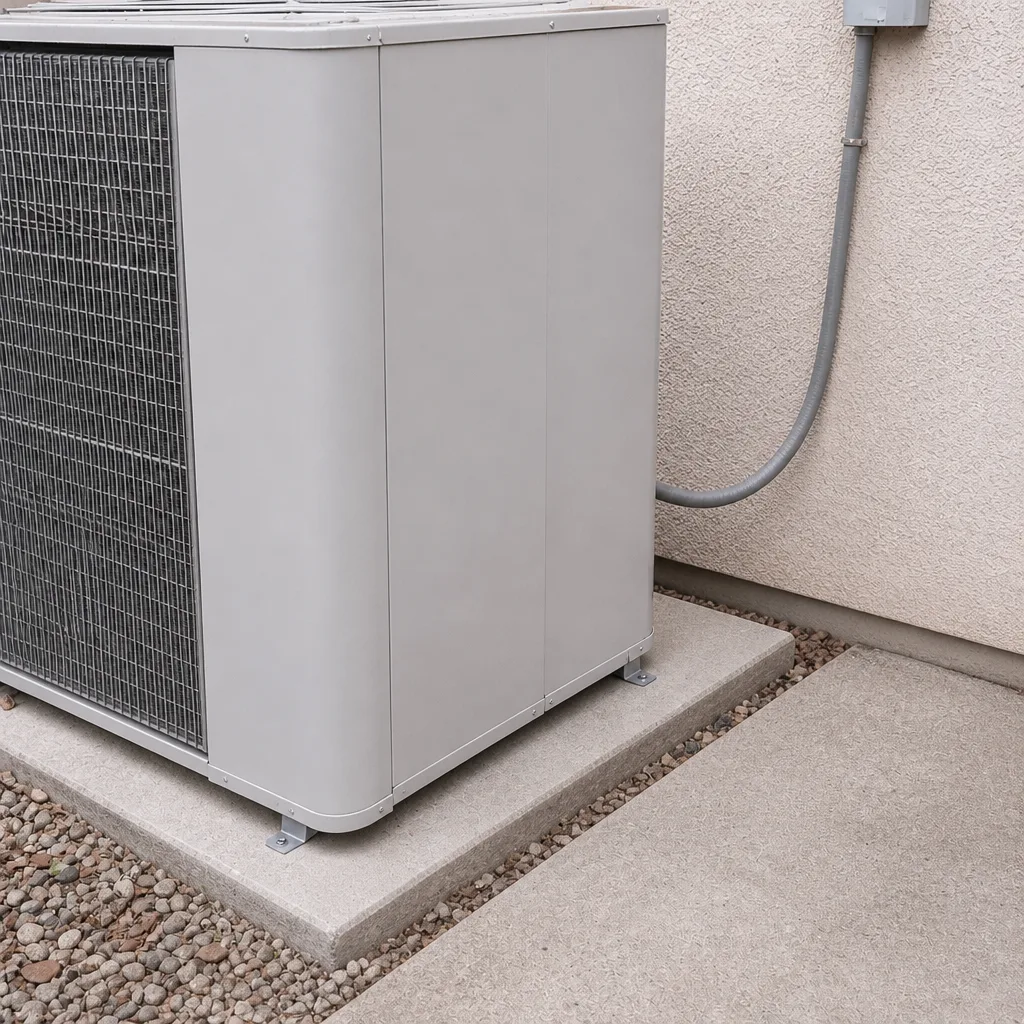
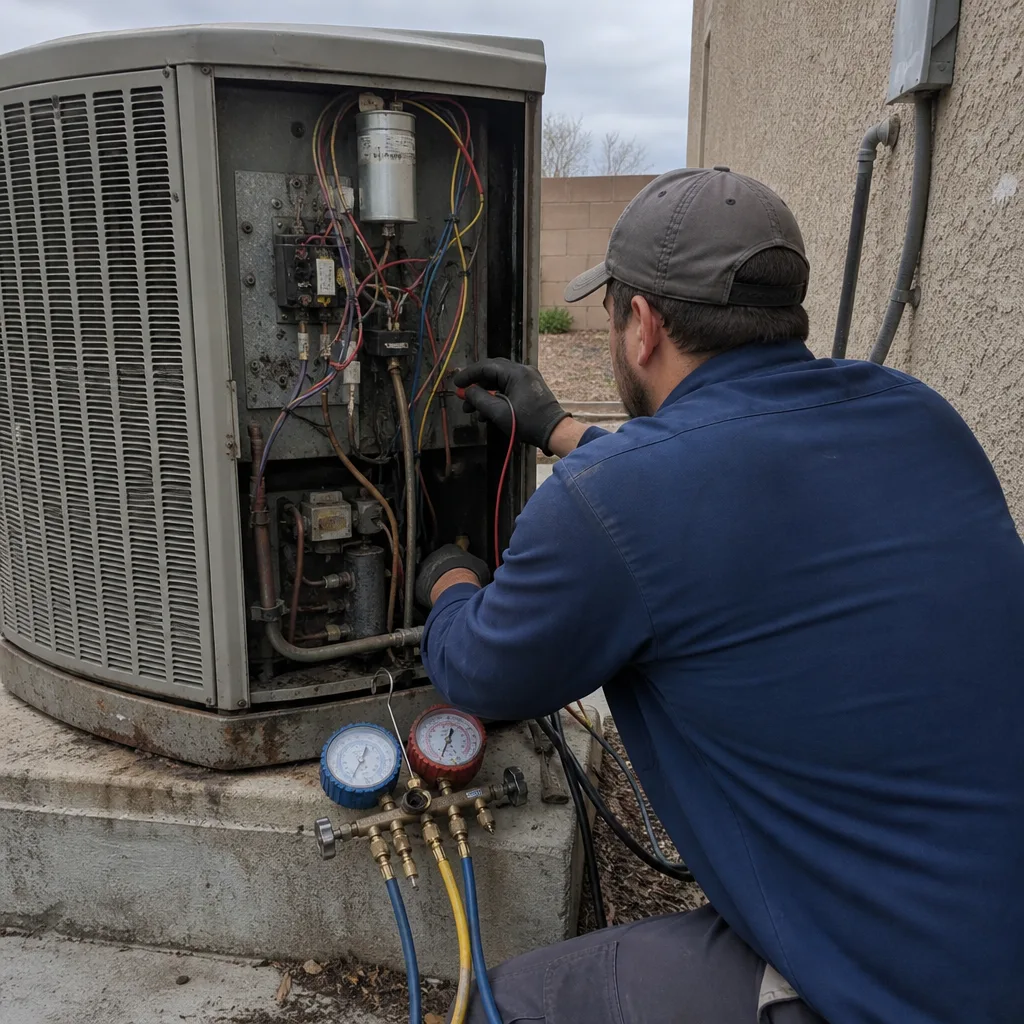
See the difference
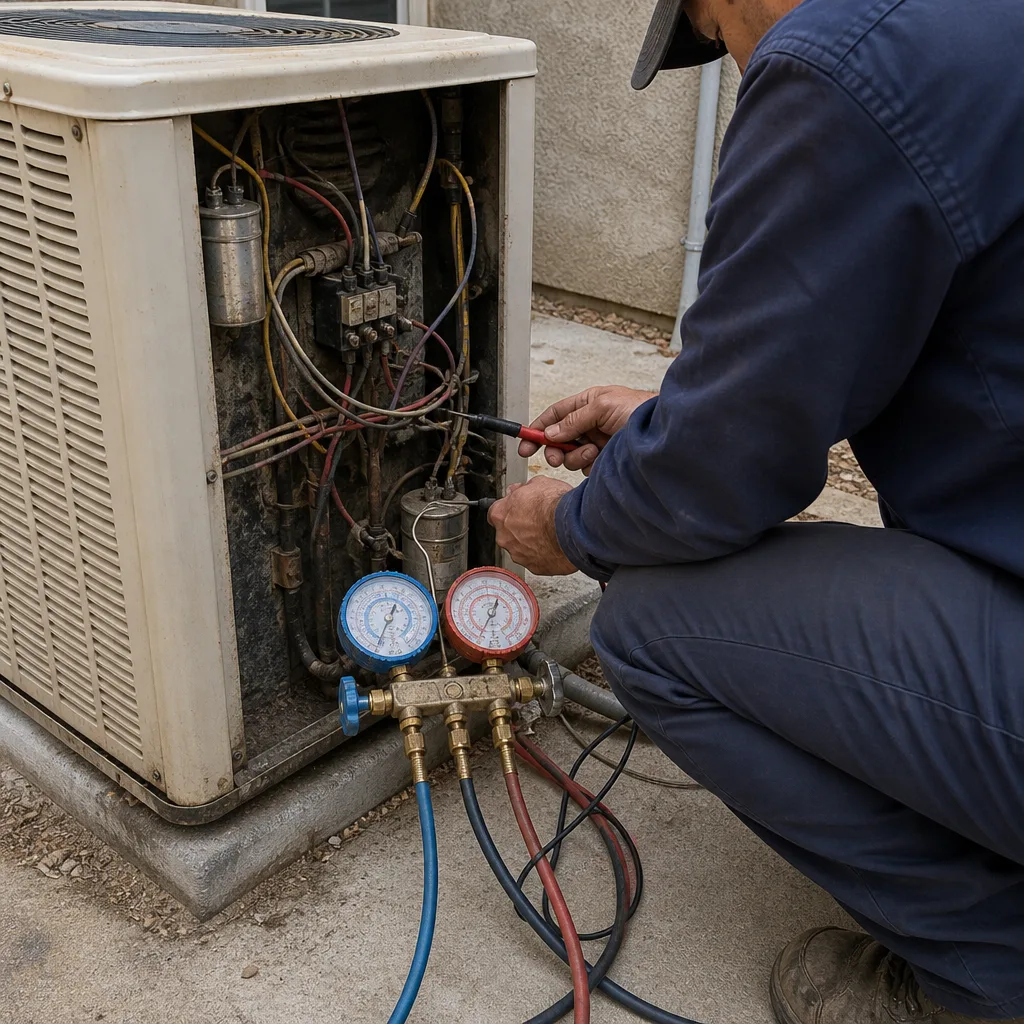 Before
 After
 Before
 After
 Before
 After
When to Call a Professional
Call for anything in the red tier, immediately and without a second opinion. Call for yellow-tier symptoms within a week, before they migrate to red. Call if you’ve measured a temperature differential under 14°F, if you’ve heard a hiss near the indoor unit for more than a few days, or if your log shows the same symptom appearing three or more times in a month. Call if you’re not sure which tier you’re in – helping you sort that out takes a couple of minutes on the phone and costs nothing. Brandt HVAC Enterprise offers free estimates in Enterprise – call (844) 797-9490. Every visit starts with a technician’s name and photo sent in advance, a Threshold Verified standard we hold on every job, and a written price before any work begins.
Frequently Asked Questions
The earliest reliable sign is a temperature differential that’s dropped below 14°F, measured with a simple thermometer between the return and supply air, often before the homeowner notices anything wrong in the rooms. Faint hissing near the indoor air handler runs a close second, and it usually means refrigerant is escaping somewhere in the line set. Both are yellow-tier signals – worth a service visit within a week, not an emergency, but not something to wait a month on either. Call (844) 797-9490 for an exact quote – estimates are free.
No. Short cycling during peak heat is almost always a safety shutoff doing its job, and every restart stresses the compressor. Running it through a 115°F afternoon with a pressure or thermal fault can turn a small repair into a full replacement, and we’ve seen that specific outcome more times than we’d like across Enterprise. Turn it off at the thermostat and call us – a live person answers any hour.
It’s not a fire or gas emergency, but it is a sign you should not ignore for long. Musty smells typically trace to standing water in the drain pan, mold in the ductwork, or a clogged condensate line, and every one of those spreads the longer it runs. Schedule service within a week. Meanwhile, keep your filter fresh and note the smell in your log with the date it started.
It depends on the age of the system, the specific signs, and the repair cost versus replacement cost. We won’t quote a replacement when a repair will do, and we won’t quote a repair when it’s clearly throwing money at a system on its last legs – the honest answer comes after a diagnosis, in writing, with a price on both paths. Call (844) 797-9490 and we’ll walk through it.
It covers the repair we performed for 365 days after the date of service. If the same repair fails within that window, we come back at no charge. The written guarantee you get on every job states exactly what’s covered and for how long, so there’s no ambiguity when you need to read it. It’s been part of how we operate since 2003, and it’s one of the reasons homeowners choose Brandt HVAC Enterprise.
You should know the technician’s name and see their photo before they arrive, and they should show a photo ID badge at the door. Every technician is background-checked and identity-verified under the Threshold Verified standard, and if anyone shows up who you weren’t told to expect, that visit is on us and we make it right. This is a service for homeowners who are home alone, parents with young children, and older homeowners – and it’s the reason we built the standard in the first place. To schedule, start from the Brandt HVAC Enterprise home page or call us directly.
The Bottom Line
HVAC failures almost never happen without warning. The warning is a hiss you walk past, a differential you never measure, a log you never keep, and a short cycle you forgive because the rooms still get cool by bedtime. In Enterprise’s heat, forgiving those signals is expensive. Sort what you notice into green, yellow, or red. Measure your temperature differential twice a year. Log the dates. Hand the log to the technician. And remember the red-tier rule, which is the most important sentence in this guide: if you smell burning, hear grinding, or see smoke, shut the system off at the thermostat and call before you reset anything.
If you’ve got a symptom you’re not sure about, or you’d like a technician whose name and photo you’ll have before the doorbell rings, call Brandt HVAC Enterprise at (844) 797-9490. A live person answers 24 hours a day, seven days a week – nights, weekends, and holidays. Free estimates. Written price before any work starts. Written guarantee on every repair, backed by the 365-Day Done Right Promise. Every Brandt HVAC location is independently owned and operated, and every technician is background-checked and identity-verified before we ever send them to your home.
Written by the team at Brandt HVAC Enterprise.